Saving a Preset
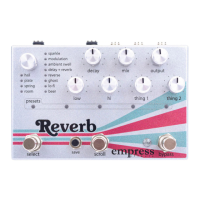
To save the current settings to a preset, press the scroll
stompswitch until you reach the preset location where you
want to write. While the lights are flashing, hold down the shift
button and press the scroll stompswitch. Your preset is now
saved.
Recalling a Preset
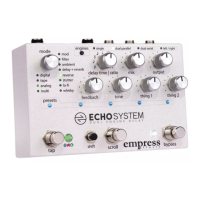
To recall a preset simply press the scroll stompswitch until the
preset you’d like to recall is flashing, then press the tap
stompswitch to load the preset. The presets LEDs should now
be solid and bright.
What settings are saved in my preset?
If you change the position of a knob or switch after a preset is
loaded, the preset LEDs will dim to indicate that the preset has
been modified, but not saved. If you move the knob or switch
back to the position it was in when the preset was saved, the
preset’s LED indicators will brighten again. This lets you find the
positions of all the knobs and switches when the preset was
saved.


 To Next Page