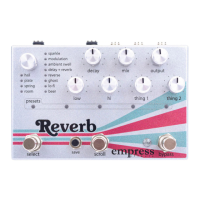
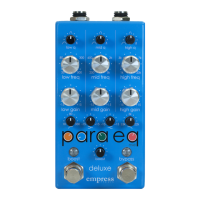
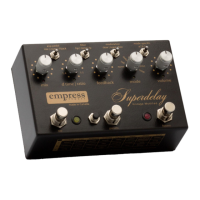
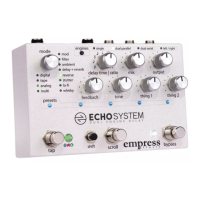
BANK PRESET SYSTEM
Preset Organization
In Advanced Configuration you'll select the number of banks
you wish to use. The preset LEDs display which bank is selected
by changing color. The middle and right stompswitches each
represent a preset. So there are two presets per bank.
Recalling a Preset and Bypassing the Pedal
To recall a preset, press on the middle or right stompswitch.
The light above that stompswitch and the bypass LED will
illuminate. To load another preset, simply press the other
stompswitch. To bypass the pedal, press the stompswitch
corresponding to the active preset, and the bypass LED will
turn off. The pedal is now bypassed.
Changing Banks
To bank up, press the right and middle stompswitches
simultaneously. To bank down, press the left and middle
stompswitches simultaneously. The LEDs will flash indicating
the target bank, then you can press any of the stompswitches
to load a preset within that bank.
Saving a Preset
To save a preset, set the knobs to the sound you would like to
save, then navigate to the target bank. While the lights are
blinking, press and hold the shift button and select the target
preset location by pressing the corresponding stompswitch.


 To Next Page