Proper grounding is very important to protect the base station from
the external noise and to reduce the risk of electrocution in the
event of a lightning strike.
Notes:
Recommended phone line features from the local phone company:
Multiple phone lines “hunt group” is a useful feature and works well with
this phone system. This feature “ties” multiple phone lines to a single
phone number. When an outside caller calls this common phone number,
the phone company automatically finds a free line. In a hunt group, the
Call Waiting and the Caller ID with Call Waiting (or called Type II Caller ID)
features are unnecessary because a 2
nd
call will come in on a separate line,
rather than on the same line. For a 2
nd
call coming in on a separate line,
the phone system’s built-in Call Waiting feature will alert the user and
allow the user to toggle between 2 lines.
Re: For best performance, maintain a distance of at least 10 meters
(about 30 feet) between any two base stations.
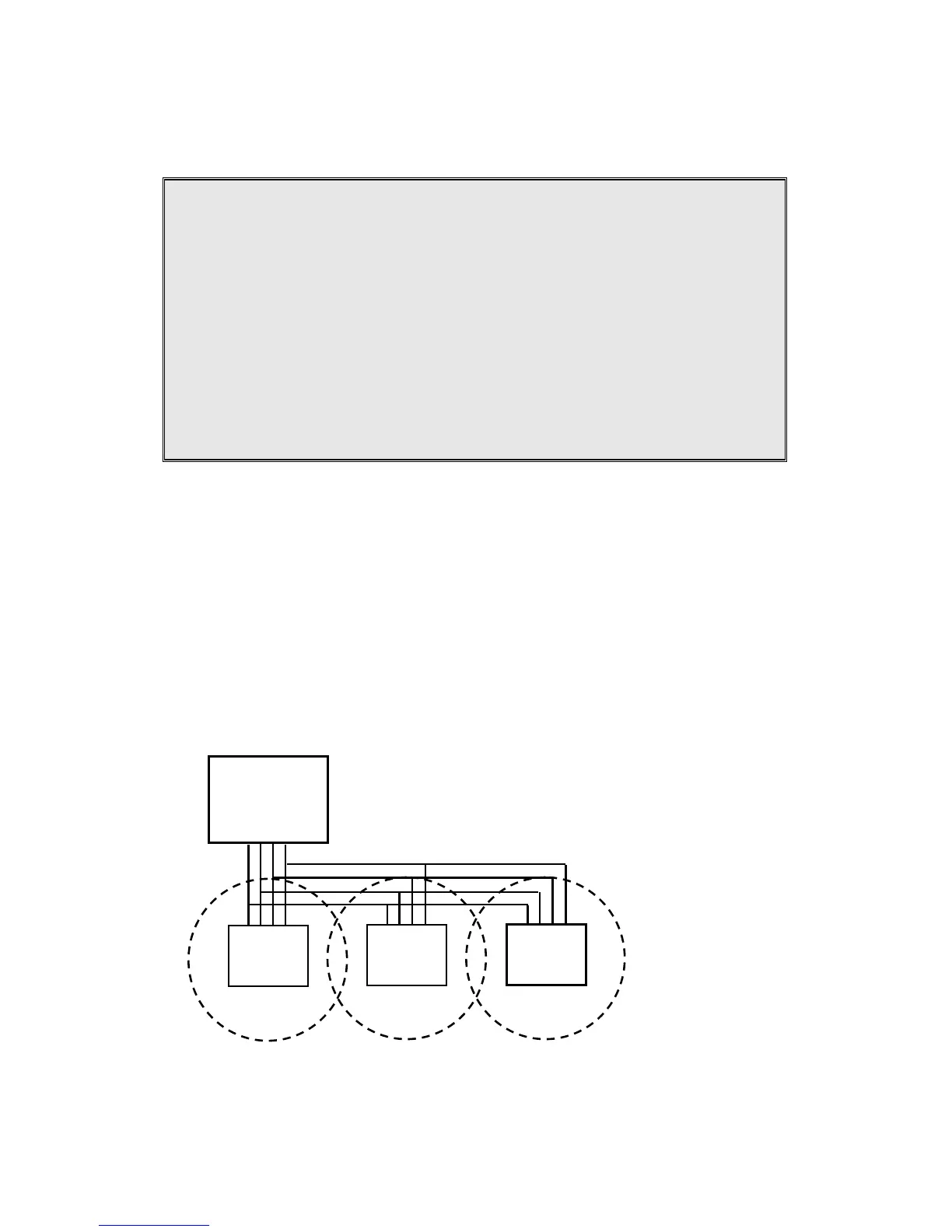
Parallel connects all L1/L2/L3/L4 in each base as below schematic(up
to 8 bases), the use coverage will be several times increased.
Note: Telephone calls cannot be handed off between base units.
Re : when a call is coming in from L1, all handsets can pick up the
call, as long as the handsets are in the coverage of base1~3.



 To Next Page