Handset Registration.
a. Press REG button on Base 00(default), four LEDs will light up in
setting mode
b. Handset operation: Press MENU 6 1 . (It will complete the
registration process)
c. Repeat, as needed, to add handsets
Note: Additional handsets should be added to the system before
adding additional base units.
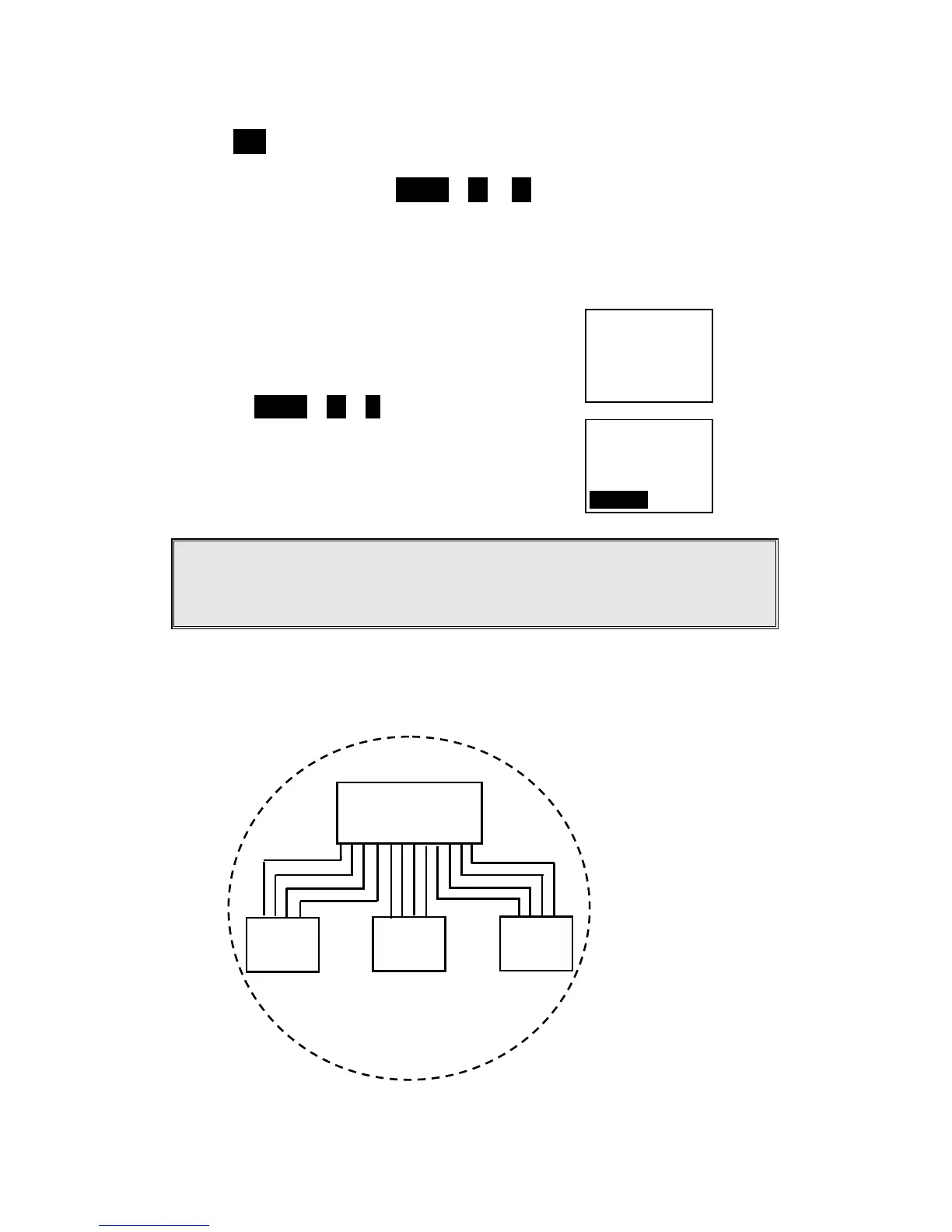
Establishing additional Base Units:
Press REG button on new Base.
Use Handset 10 or 11 to Add base :
Repeat, as needed, to add base units
Notes:
1. Only Handset 10, 11 can assign Base ID.
2. Base 00 is a primary base. All handsets must register only on Base 00.
User capacity can be increased by adding additional base units.
Up to 8 base units can be supported.
10
Select Mode:
1. Add Base
10
Added Base
Number : **
CANCEL



 To Next Page