EasyManua.ls Logo

EnGenius DuraFon PRO - Menu Operations (DuraWalkie); DuraWalkie Menu Navigation and Settings

EnGenius DuraFon PRO
74 pages
Print Icon
To Next Page IconTo Next Page
To Previous Page IconTo Previous Page
Loading...
63
DuraWalkie
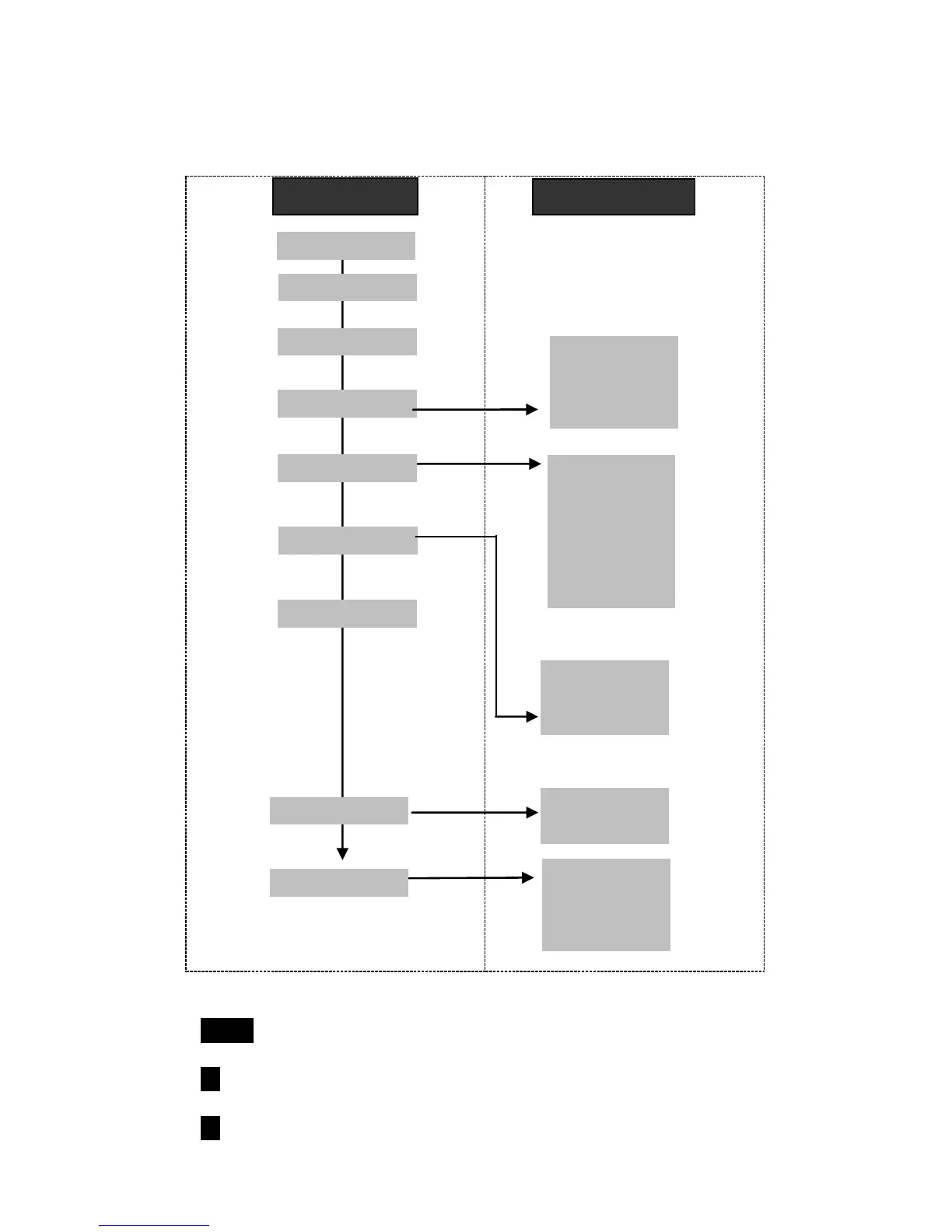
1. Press MENU (Right) soft key while the phone is in standby.
2. Press 1 to lock keypad (see Key Guard).
3. Press 2 to view, search, erase, edit and transfer the phonebook (see Phonebook).
Main menu
Sub-menu
1.KeyGuard
2.PhoneBook
1.Ring Volume
2.Ring Tone
3.Key Volume
4.Key Tone
1.Group Select
2.Clear
3.Naming
4.Contrast
5.Backlight
6.Language
#.PA On/Off
5.Settings
6.Registration
4.Sound
3.Unused
9.Admin
7.BC/INT Type
Select Mode:
1.Add Base
Admin:
1.System
2.Line Setting
3.Auto Attndnt
8.Multi-base
1.Register
2.Deregister
3.Remote REG

Table of Contents

Related product manuals