24
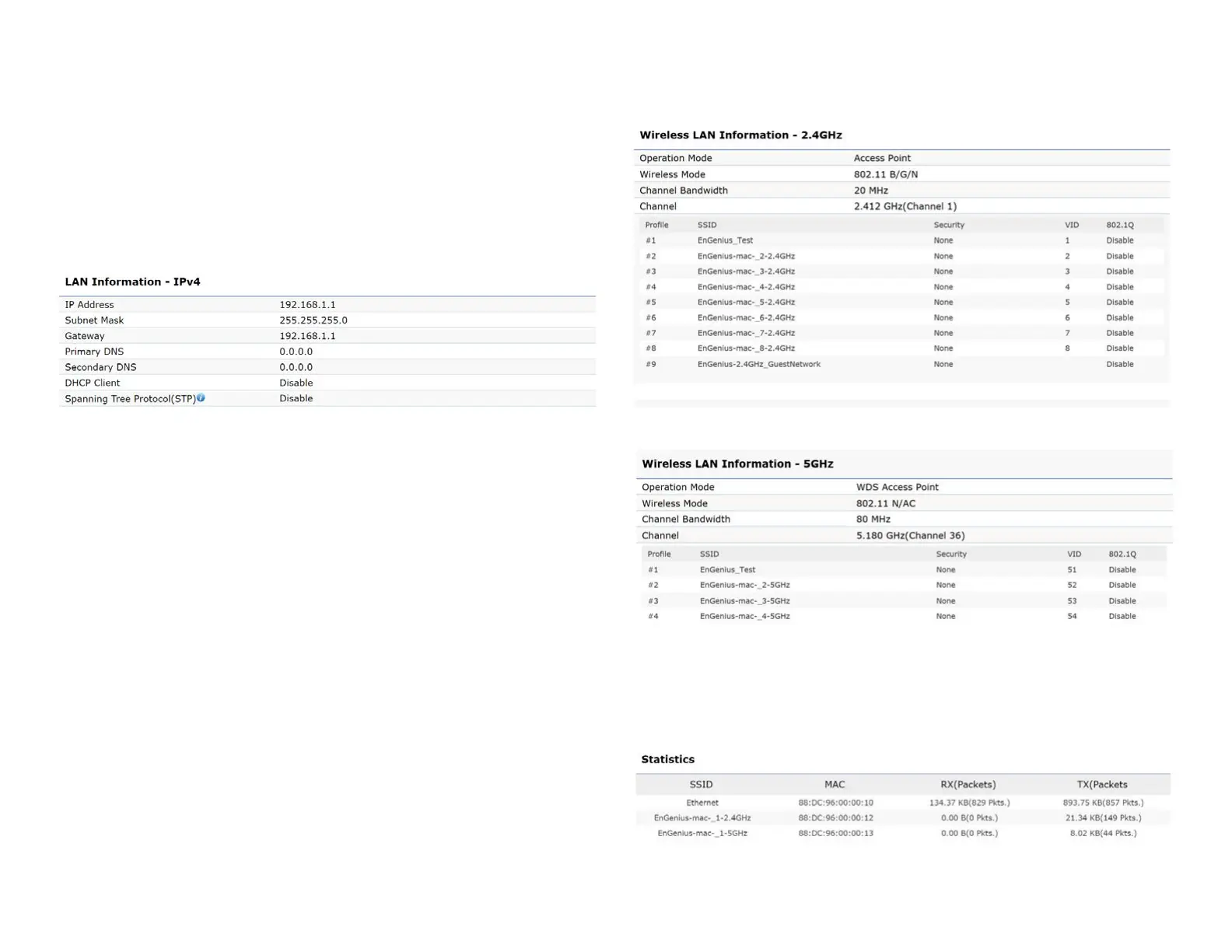
• The LAN Information section shows the Local Area
Network settings such as the LAN IP Address, Subnet
mask, Primary DNS Address, Secondary DNS Address,
status of DHCP client, and status of Spanning Tree
protocol(STP).
The Wireless LAN Information 2.4 GHz/5 GHz section
shows wireless information such as Operation Mode,
Frequency, and Channel. Since this Access Point supports
multiple-SSIDs, information about each SSID, the ESSID,
and security settings, are displayed
Note: ProleSettingsareonlyapplicableinAccessPoint
and WDS AP modes.
• TheStatistics section shows Mac information such as
SSID,MACaddress,RXandTX.















 To Next Page