25
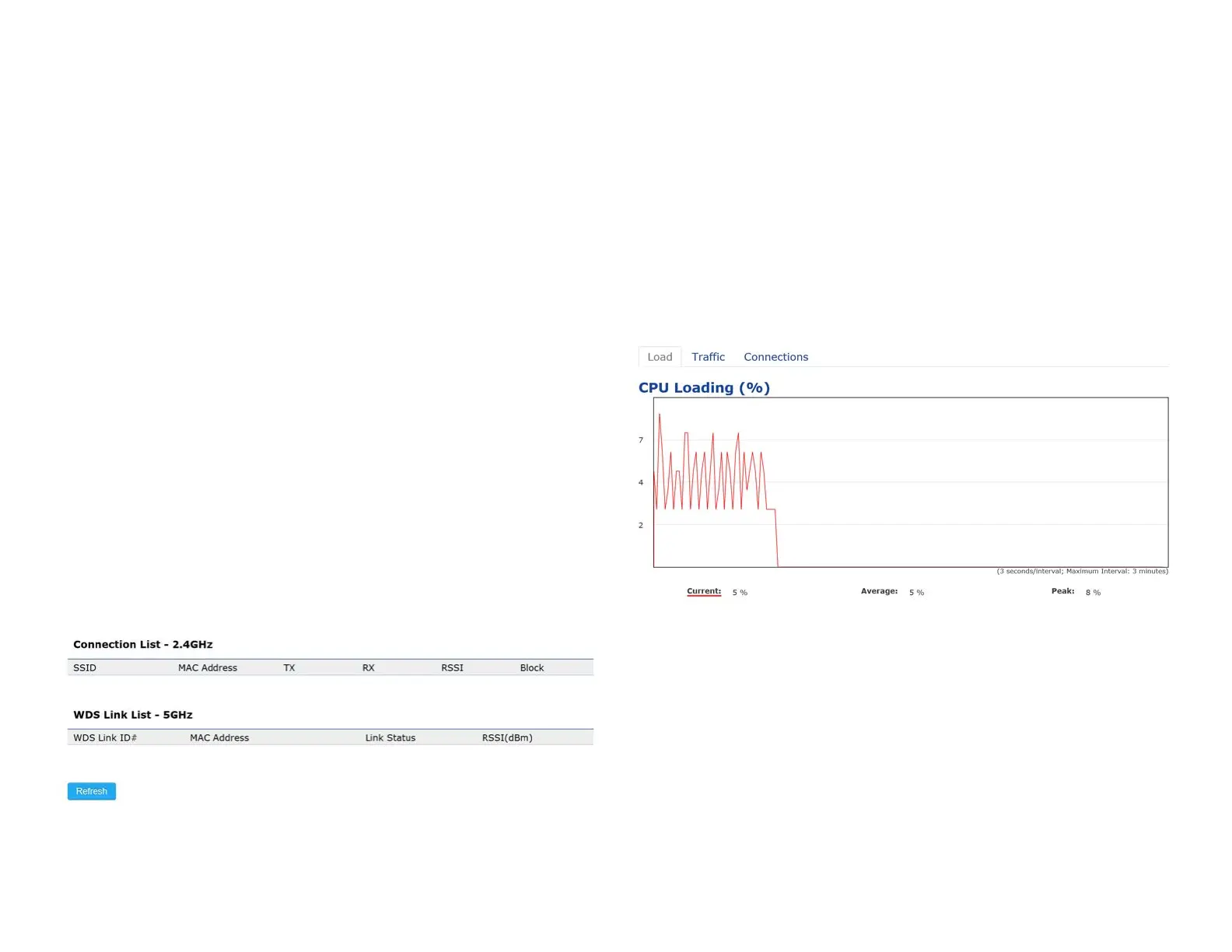
2.4 GHz/5 GHz Connection List
ClicktheconnectionlinkundertheOverviewmenudisplays
the connection list of clients associated to the AP’s 2.4
GHz/5 GHz, along with the MAC addresses and signal
strength for each client. Clicking Refresh updates the
client list.
Note: Only applicable in Access Point and WDS AP
modes.
2.4 GHz/5 GHz WDS Link List
Click the connection link under the Overview menu. This
page displays the current status of the WDS link, including
WDS Link ID, MAC Address, Link Status and RSSI.
Note: OnlyapplicableinWDSAPandWDSBridgemodes.
Realtime
TheRealtimesectioncontainsthefollowingoptions:
CPU Loading: 3 minutes CPU loading percentage
information, it displays current loading, average loading
and peak loading status. Left bar is loading percentage;
button is time tracing. Interval is every 3 seconds
Connections Realtime















 To Next Page