26
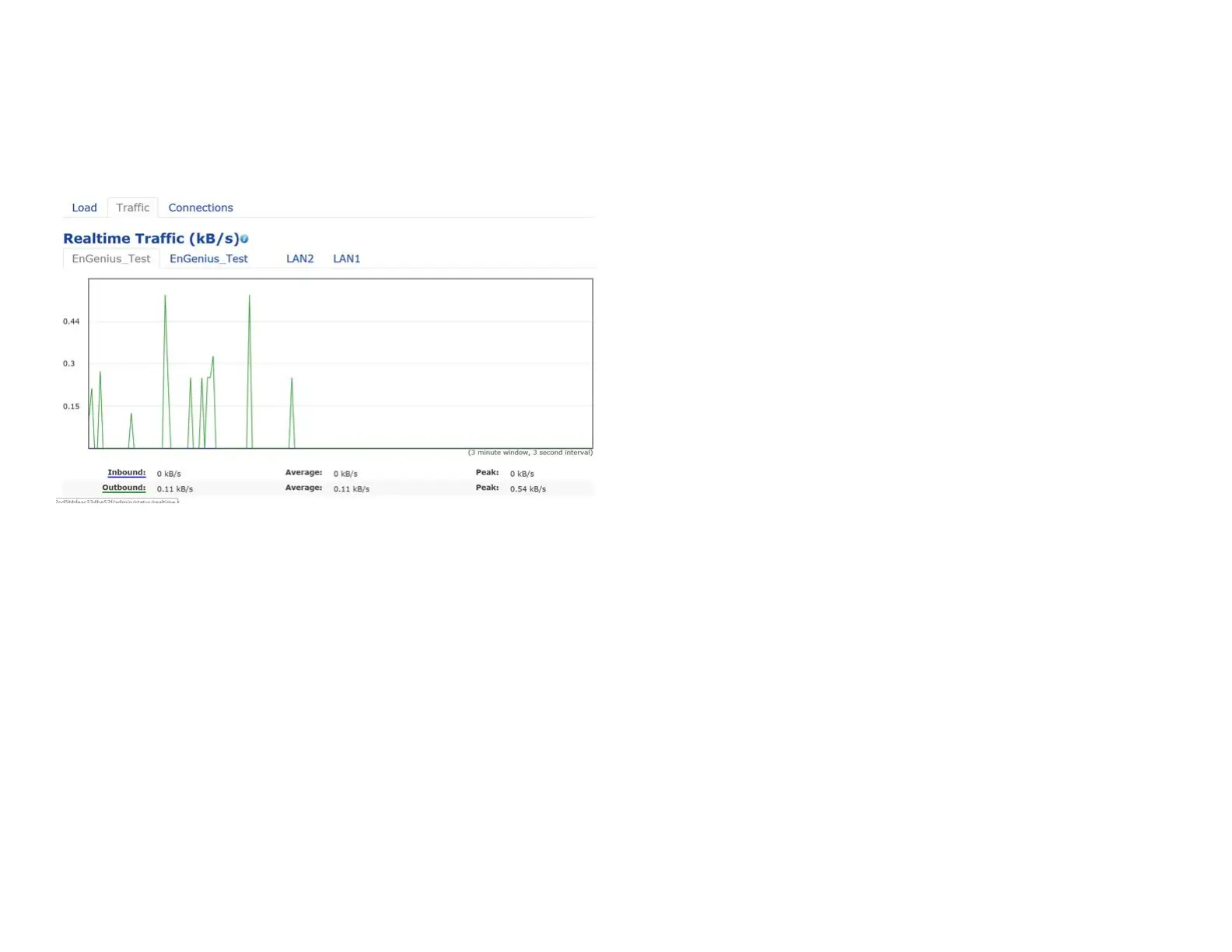
Trafc Loading: 2.4GHz and 5GHz and Ethernet port
inboundandoutboundtrafcbycurrent,averageand
peak time.
Realtime Connection (Pkts): Overview on current
activenetworkconnections.ItdisplaysUDPand TCP
packetsinformationandotherconnectionstatus.UDP
connections curve is in blue; TCP connection curve is
in green; others curve is in red. Below of chart shows
connections source and destination.















 To Next Page