9
Physical Interface
Dimensions and Weights
Length:205.73mm(8.10”)
Width:205.73mm(8.10”)
Depth:33.25mm(1.31”)
Weight:597g(1.32lbs)
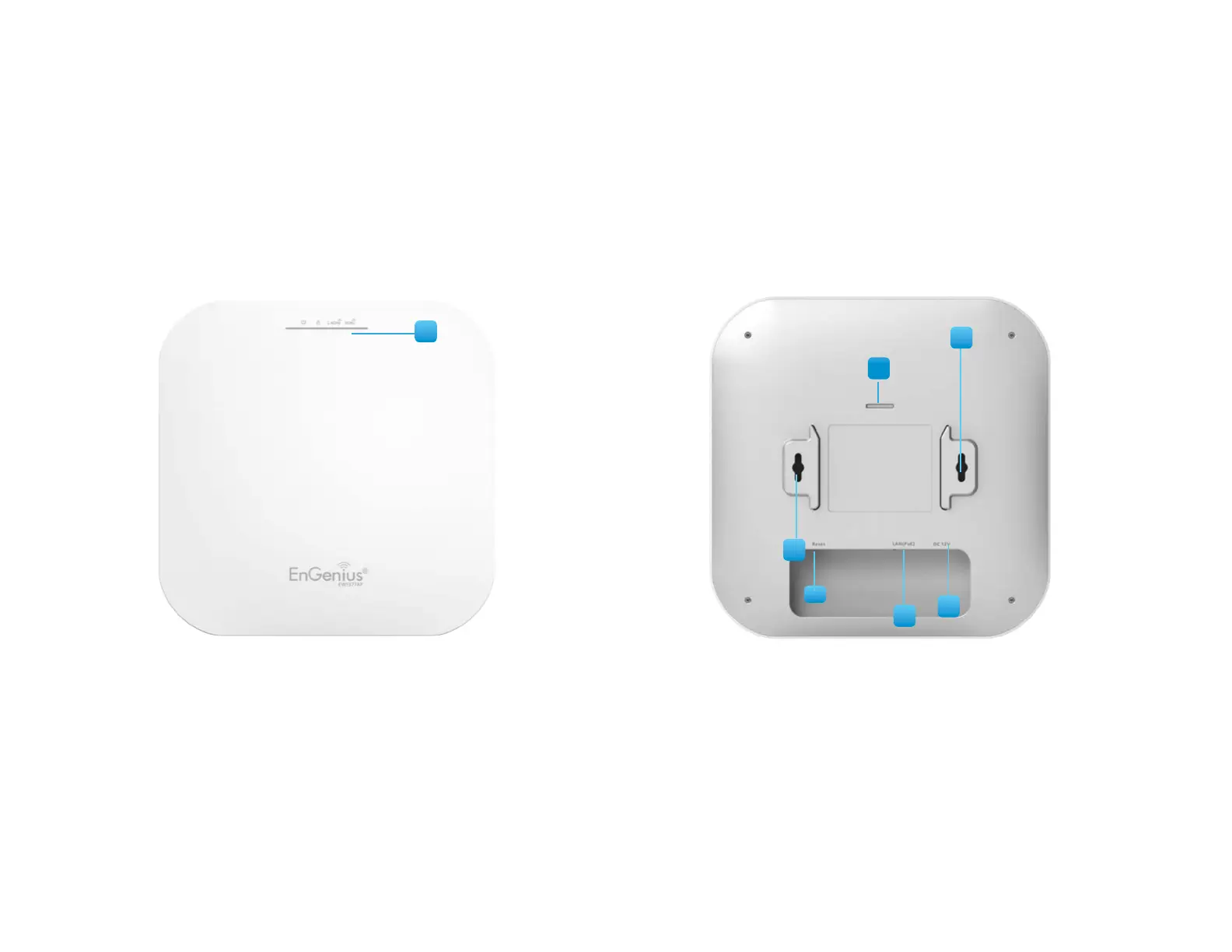
1 Latch: Fixmountingwhenslidingbracketintothisslot
2 Reset Button: Push this button to reset or reboot this device
3 LAN Port (Proprietary 54V/0.6A or 802.3at):EthernetportforRJ-45cable.
4 DC-Jack: Power from the included DC12V/2A adapter
5 Ceiling Mount Holes: Usetheseportstoassemblewithmountingbracket
6 LED Indicators: LED lights for Power, LAN Port, 2.4 GHz Connection and 5 GHz Connection.
1
2
5
4
3
6
5















 To Next Page