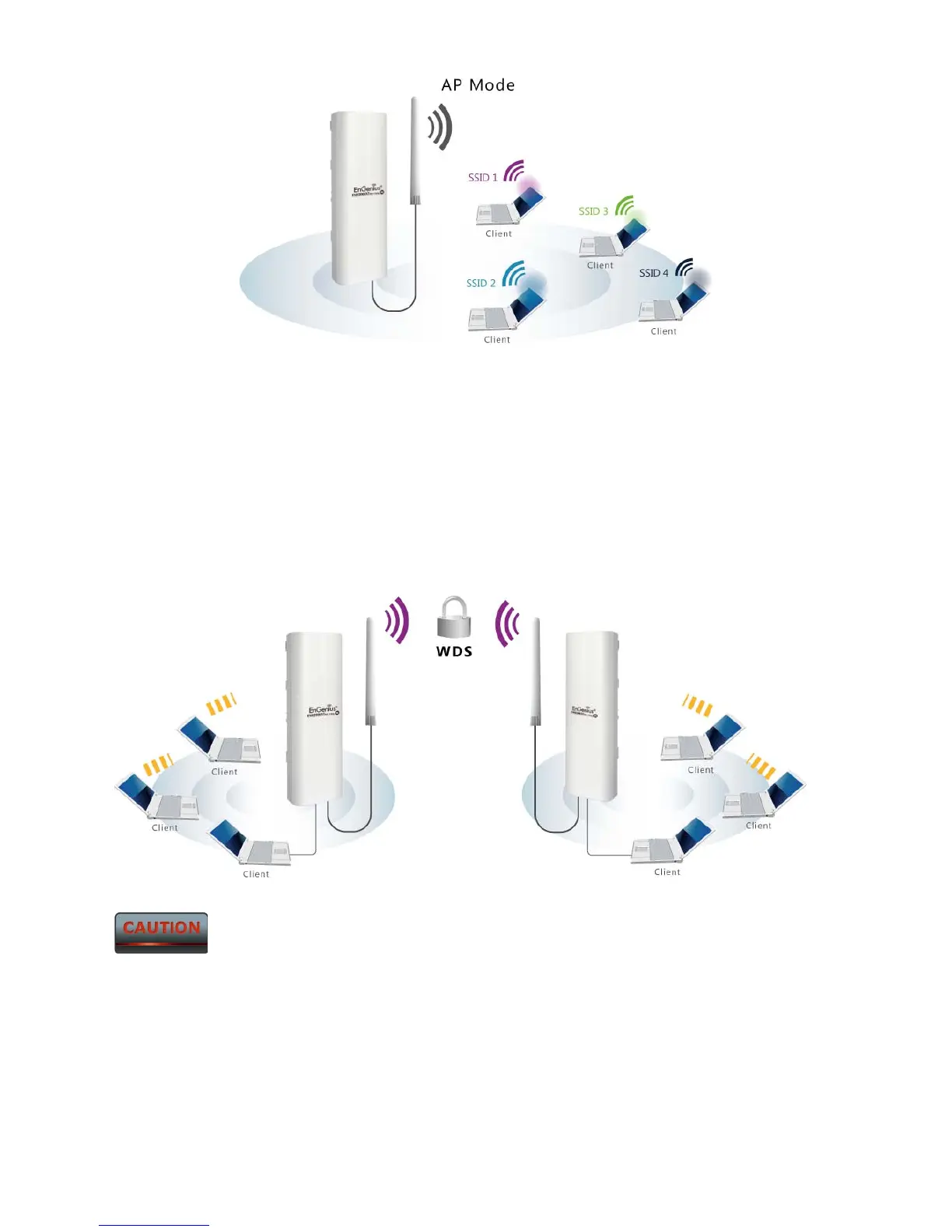
2.2 Access Point with WDS Function Mode
The ENH200EXT also supports WDS functionality while in Access Point Mode. Simply
configure other Access Points and the associated MAC addresses to enlarge the wireless area
by enabling WDS Link Settings. WDS functionality can support up to 8 different AP MAC
addresses.
Not every Access Point supports WDS in Access Point Mode. It is recommended
to use ENH200EXTs if you would like to utilize this functionality.
2.3 Client Bridge Mode
In the Client Bridge Mode, the ENH200EXT functions like a wireless client, connecting to an
Access Point wirelessly and enabling Internet connectivity wherever you want. Use Site Survey



 To Next Page