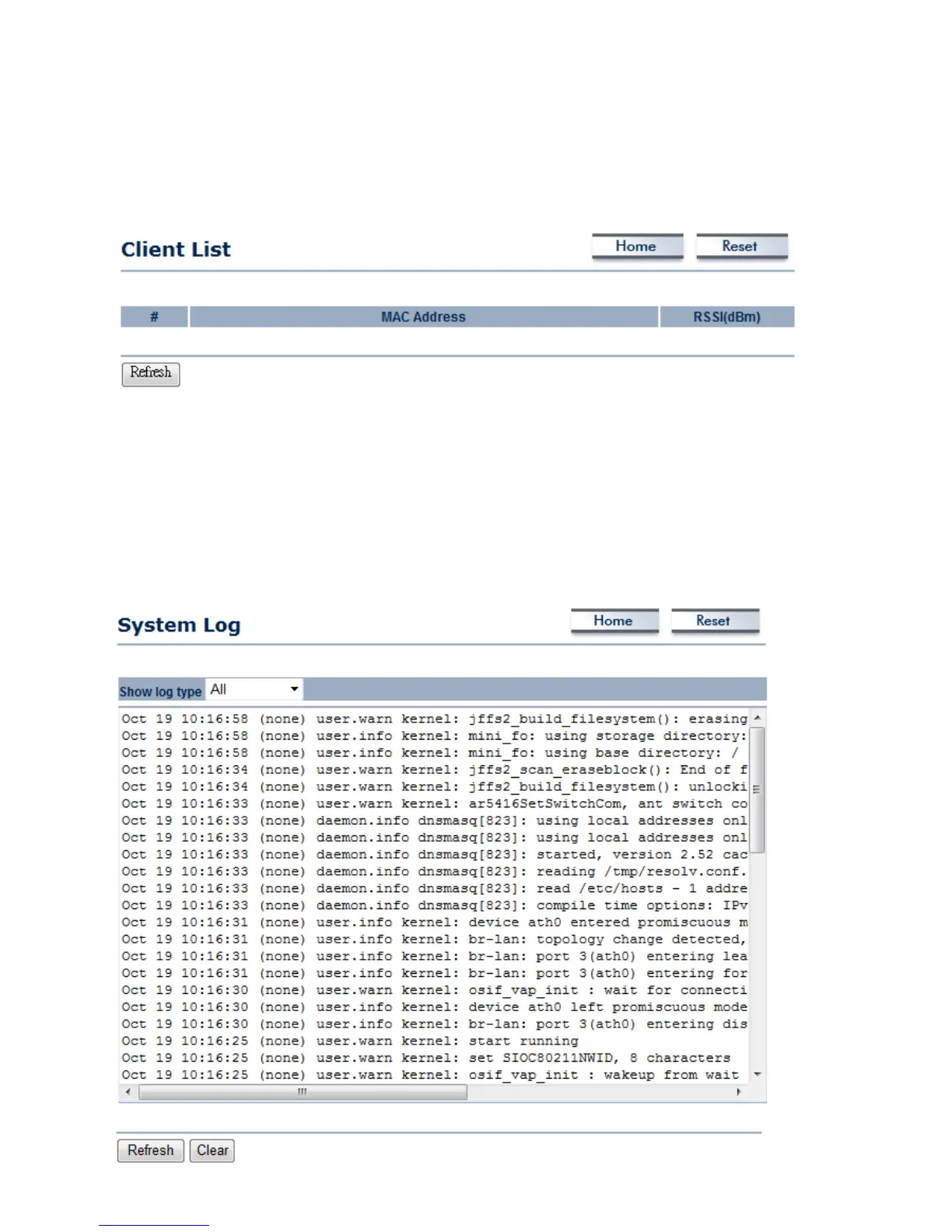
4.3 Wireless Client List
Click on the Wireless Client List link under the Status drop-down menu. This page displays
the list of Clients that are associated to the ENH200EXT. The MAC addresses and signal
strength for each client is displayed. Click on the Refresh button to refresh the client list.
4.4 System Log
Click on the System Log link under the Status drop-down menu. The device automatically
records events in its internal memory. When there is not enough internal memory for all of
the most recent events, events are deleted in descending chronological order so that the
latest events may be retained.



 To Next Page