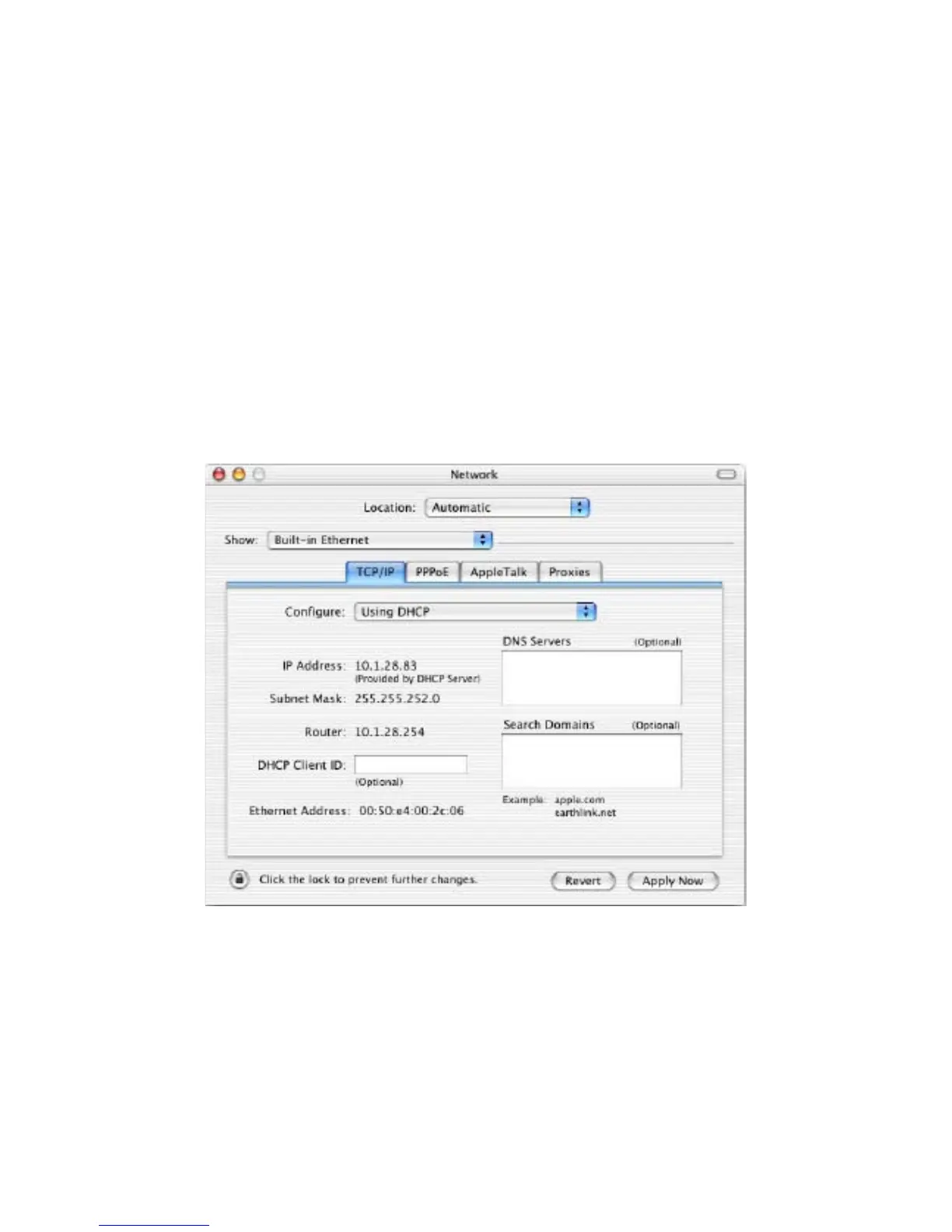
3.4 Configuring Apple Mac OS X
The following procedure describes how to configure TCP/IP on an Apple Macintosh running
Mac OS 10.2 or later. Note: The menu titles and placement vary in each OS X 10.x operating
system but are typically similar.
1. Pull down the Apple Menu, click System Preferences, and select Network.
2. Verify that the NIC connected to the ENH200 is selected in the Show field.
3. In the Configure field on the TCP/IP tab, select Manually.
4. Click Apply Now to apply your settings and close the TCP/IP dialog box.
5. Enter an IP address (i.e. 192.168.1.10), the subnet mask of the ENH200EXT, and the
Router which is the ENH200EXT’s IP address, 192.168.1.1. Note: the subnet mask must
match that of the ENH200EXT and the IP address must be on that subnet.
6. Click Apply Now to apply your settings and close the TCP/IP dialog box.



 To Next Page