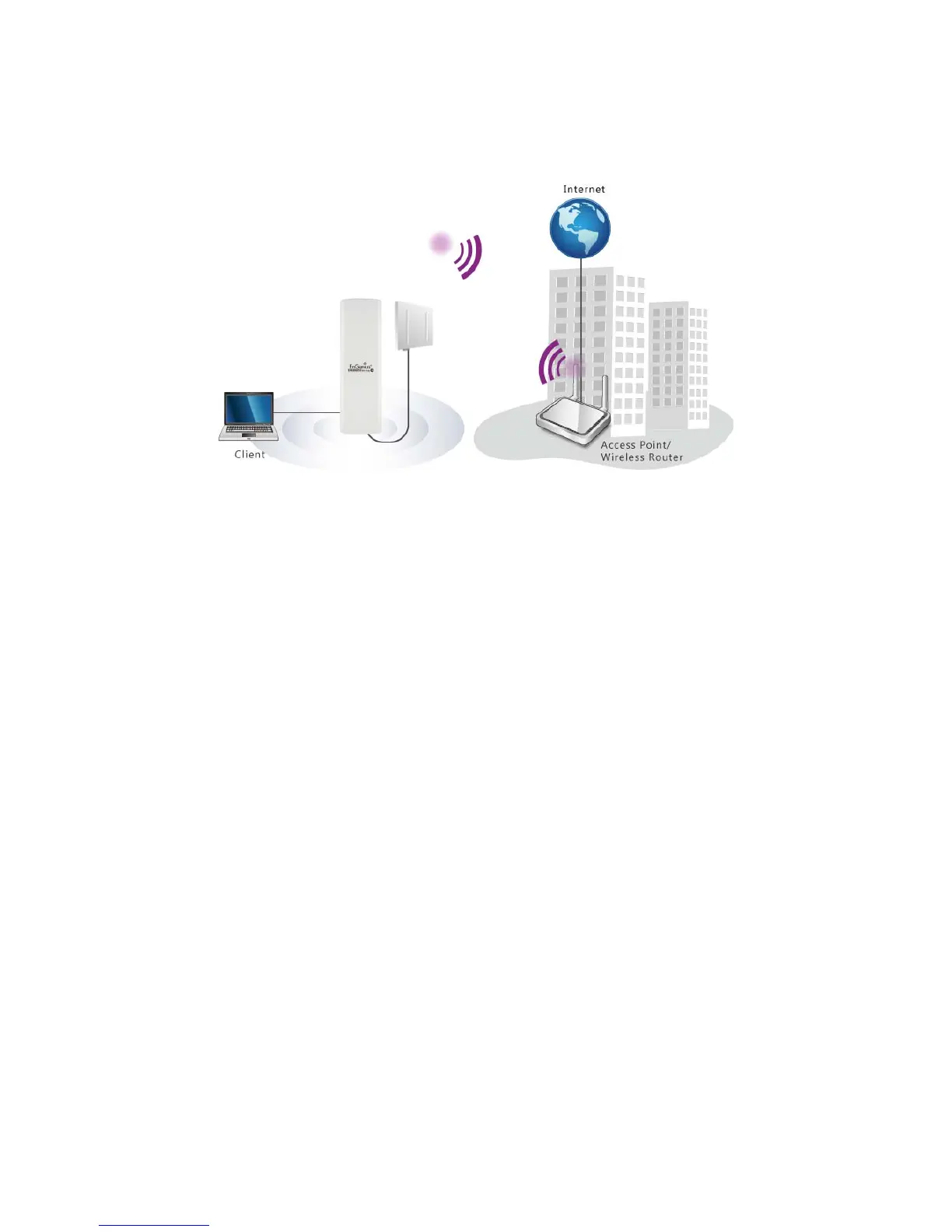
to scan all of the Access Points within range and configure its SSID and Security Password to
associate with it. You can also connect your station to the LAN port of the ENH200EXT via
Ethernet.
2.4 WDS Bridge Mode
In the WDS Bridge Mode, the ENH200EXT can wirelessly connect to different LANs by simply
configuring the MAC Address and Security Settings of other AP’s in the WDS list. This mode is
used when two or more wired LANs are located within a small distance and communication
between them is desired. The best solution is using ENH200EXTs to wirelessly connect the
wired LANs. WDS Bridge Mode can establish up to 4 WDS links; the network diagram is a star
topology.



 To Next Page