4.1 System Status
View the summary of the current system status including system (hardware/software version, date/time), wired network (LAN) and
wireless network (WLAN) information.
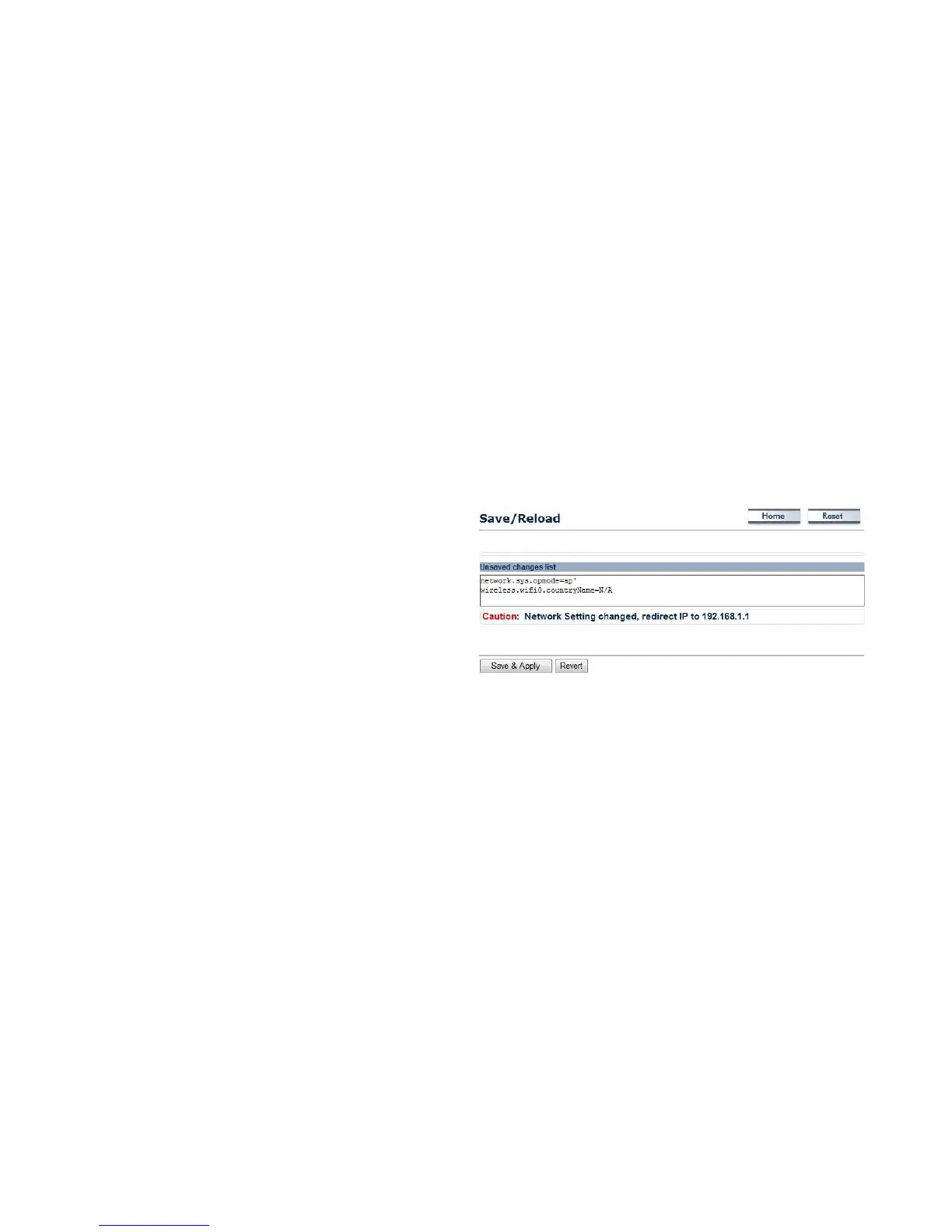
4.1.1 Using Save/Reload
Save and apply the settings shown in the Unsaved changes list,
or cancel the unsaved changes and revert to the previous
settings that were in effect.



 To Next Page