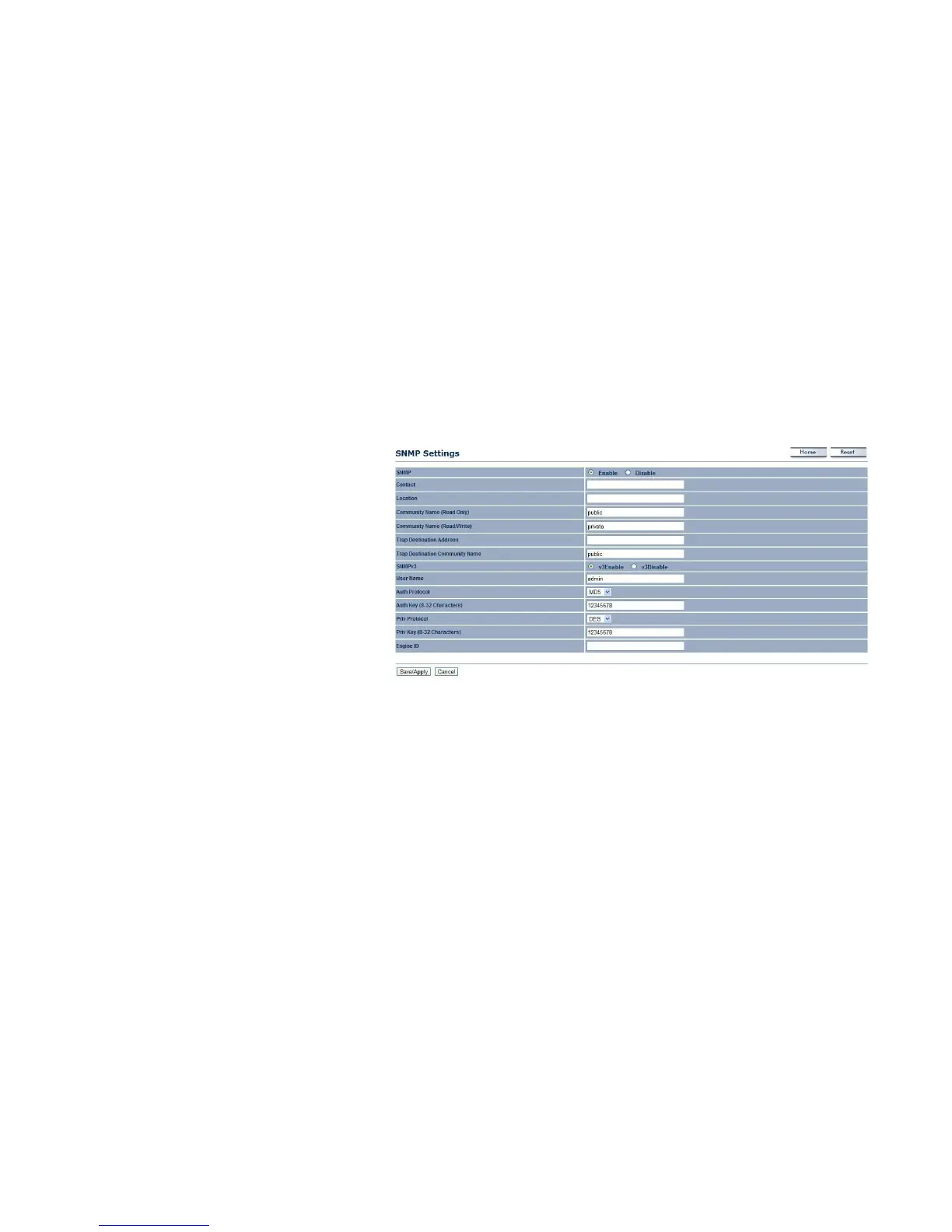
4.5.3 Configuring SNMP
SNMP is used in network management systems to monitor network-attached devices for conditions that warrant administrative
attention.
SNMP
Enable or disable the EnStation2 SNMP function.
Contact
Enter the contact details of the device.
Location
Enter the location of the device.
Community Name (Read Only)
Enter the password for accessing the SNMP
community for read-only access.
Community Name (Read/Write)
Enter the password for accessing the SNMP
community for read and write access.
Trap Destination Address
Enter the IP address where SNMP traps are to be
sent.
Trap Destination Community Name
Enter the password of the SNMP trap community.
SNMPv3
Enable or Disable the SNMPv3 feature.



 To Next Page