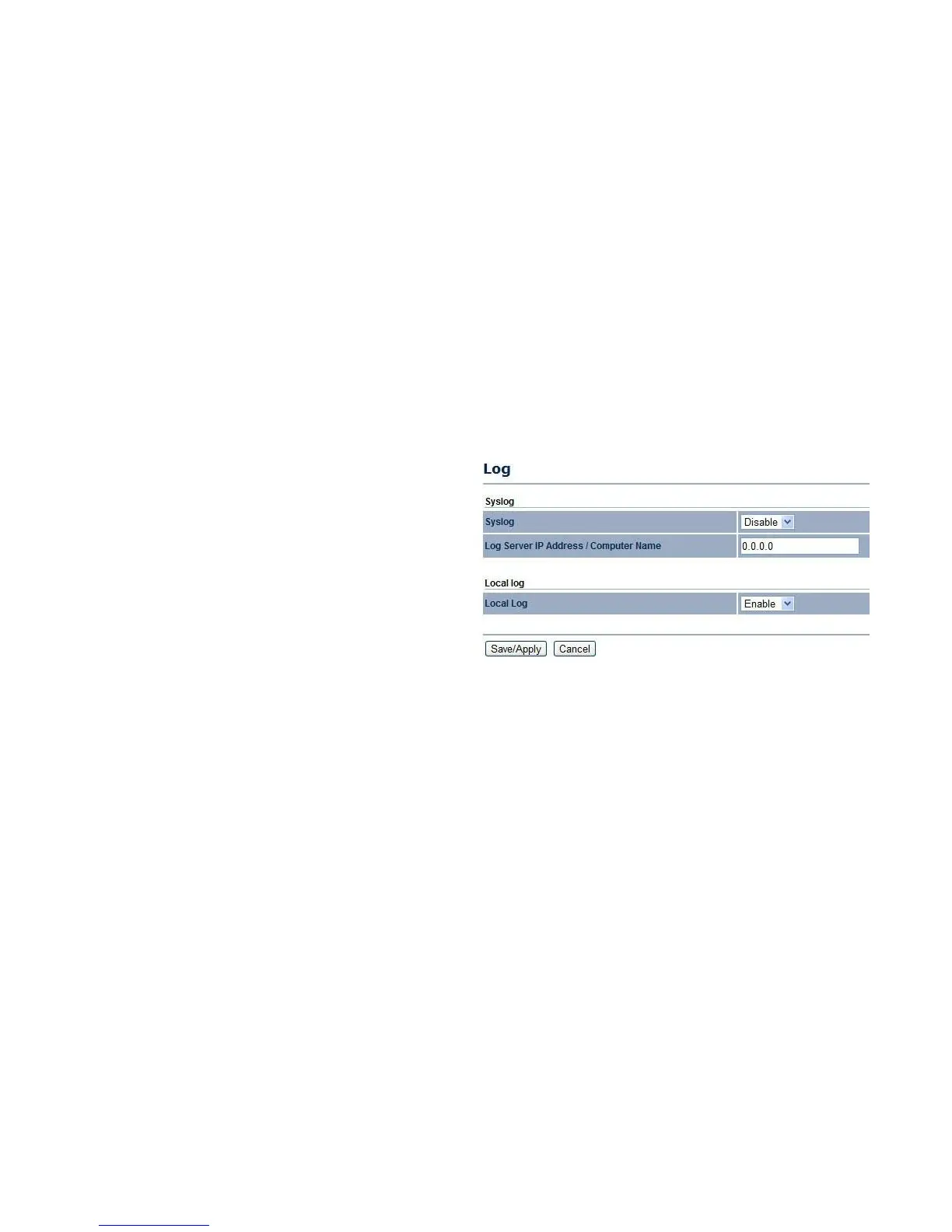
4.5.10 Configuring Logging
The Log section displays a list of events that are triggered on the EnStation2 Ethernet and wireless interfaces. You can consult this
log if an unknown error occurs on the system or when a report needs to be sent to the technical support department for debugging
purposes.
Syslog
Enable or disable the EnStation2 Syslog function.
Log Server IP Address
Enter the IP address of the log server.
Local Log
Enable or disable the Local Log service.
Click Save/Apply to apply the changes or Cancel to return
to previous settings.



 To Next Page