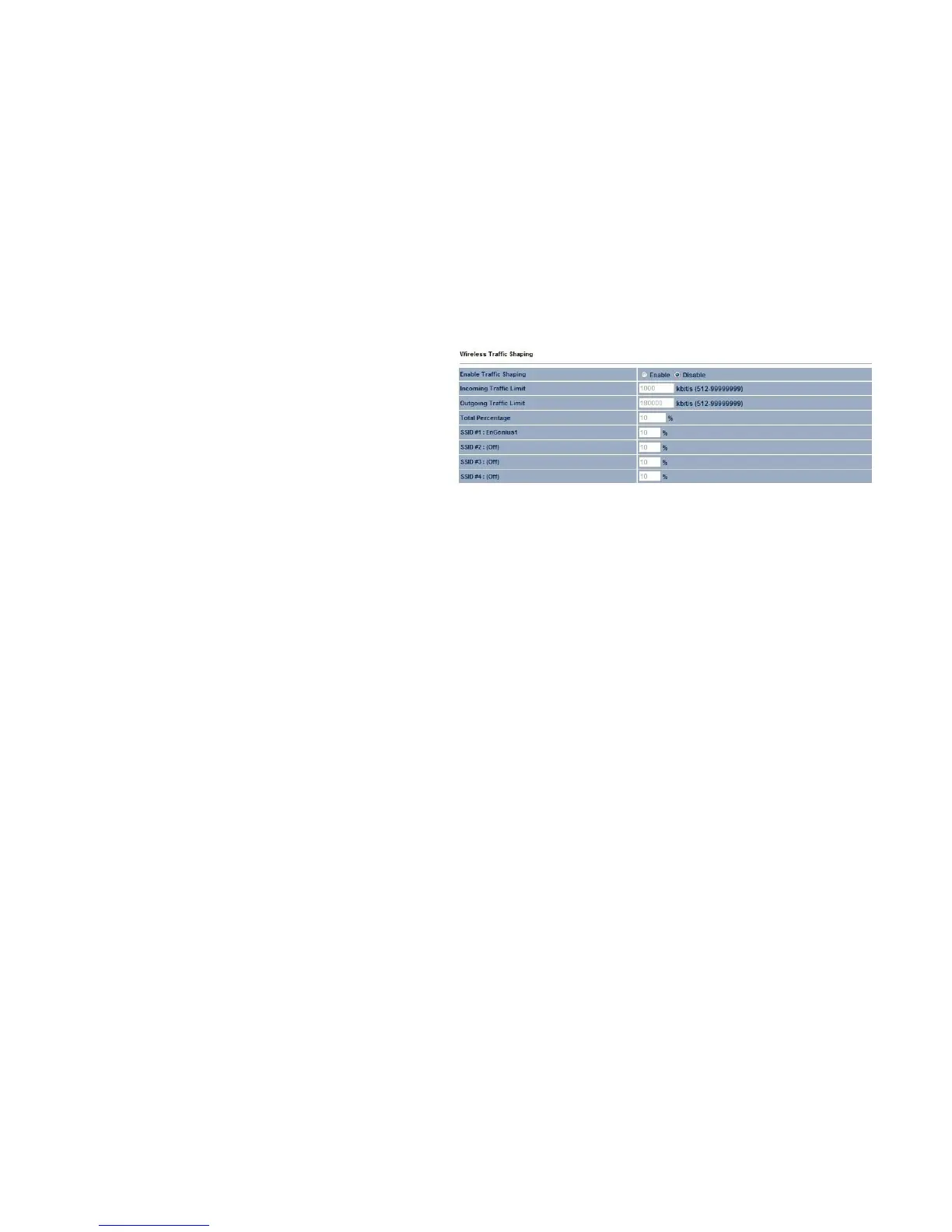
Wireless Traffic Shaping
Enable Traffic Shaping
Enable or disable the regulation of packet flow leaving an
interface for improved QoS.
Incoming Traffic Limit
Specifies the wireless transmission speed used for
downloading.
Outgoing Traffic Limit
Specifies the wireless transmission speed used for uploading.
Total Percentage
Specifies the total percentage of the wireless traffic that is shaped.
SSID1 to SSID4
Specifies the percentage of the wireless traffic that is shaped for a specific SSID.



 To Next Page