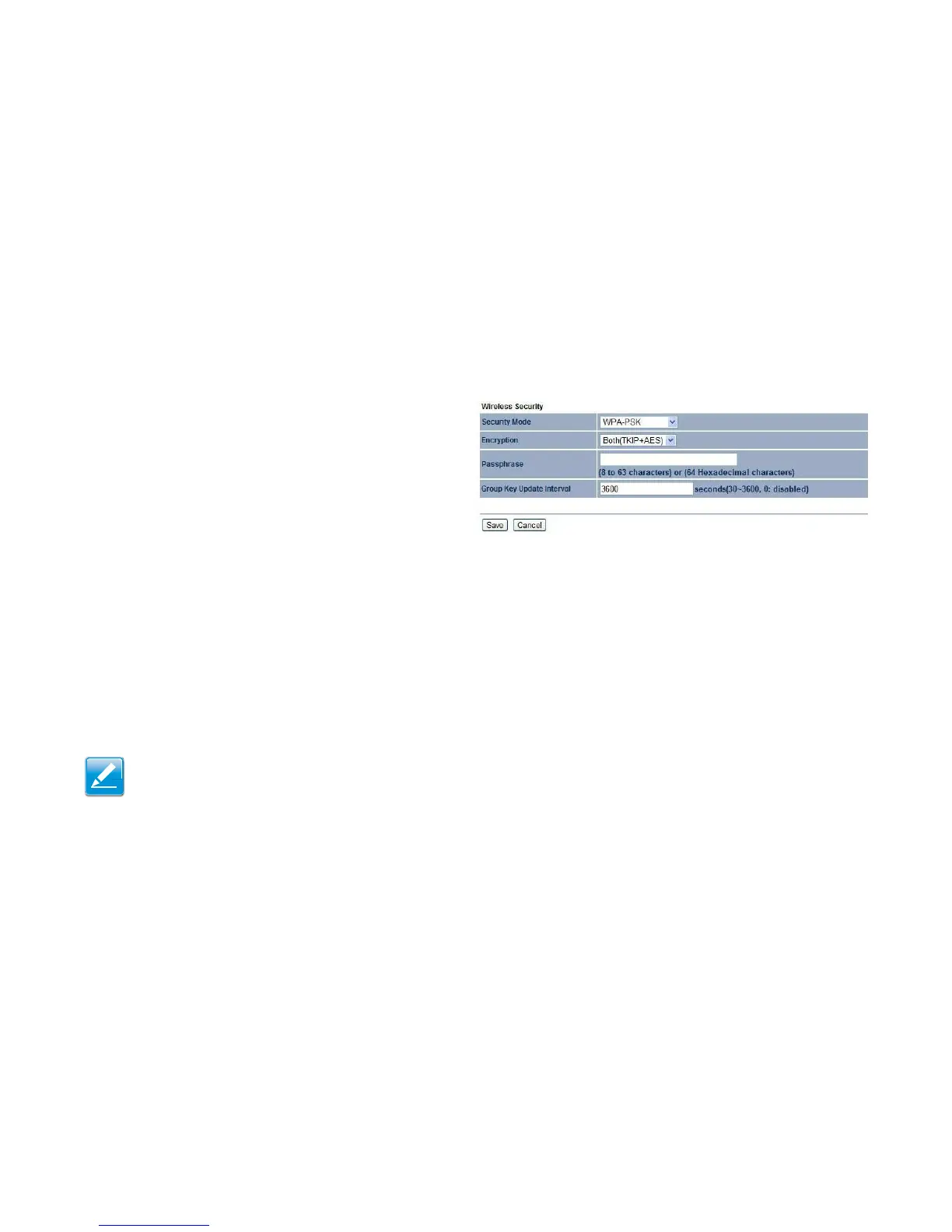
Wi-Fi Protected Access Pre-Shared Key (WPA-PSK)
Security Mode
Select WPA-PSK from the drop-down list to begin the
configuration.
Encryption
Select Both, TKIP, or AES as the encryption type:
Both = uses TKIP and AES.
TKIP = automatic encryption with WPA-PSK; requires pass-
phrase.
AES = automatic encryption with WPA2-PSK; requires
passphrase.
Passphrase
Specify the security password. For more security, each typed character is masked by a dot.
Group Key Update Interval
Specify how often, in seconds, the group key changes.
Click Save to save the changes or Cancel to cancel and return to previous settings.
Note:
802.11n does not allow WEP/WPA-PSK TKIP/WPA2-PSK TKIP security modes. The connection mode will change from 802.11n to
802.11g to compensate.



 To Next Page