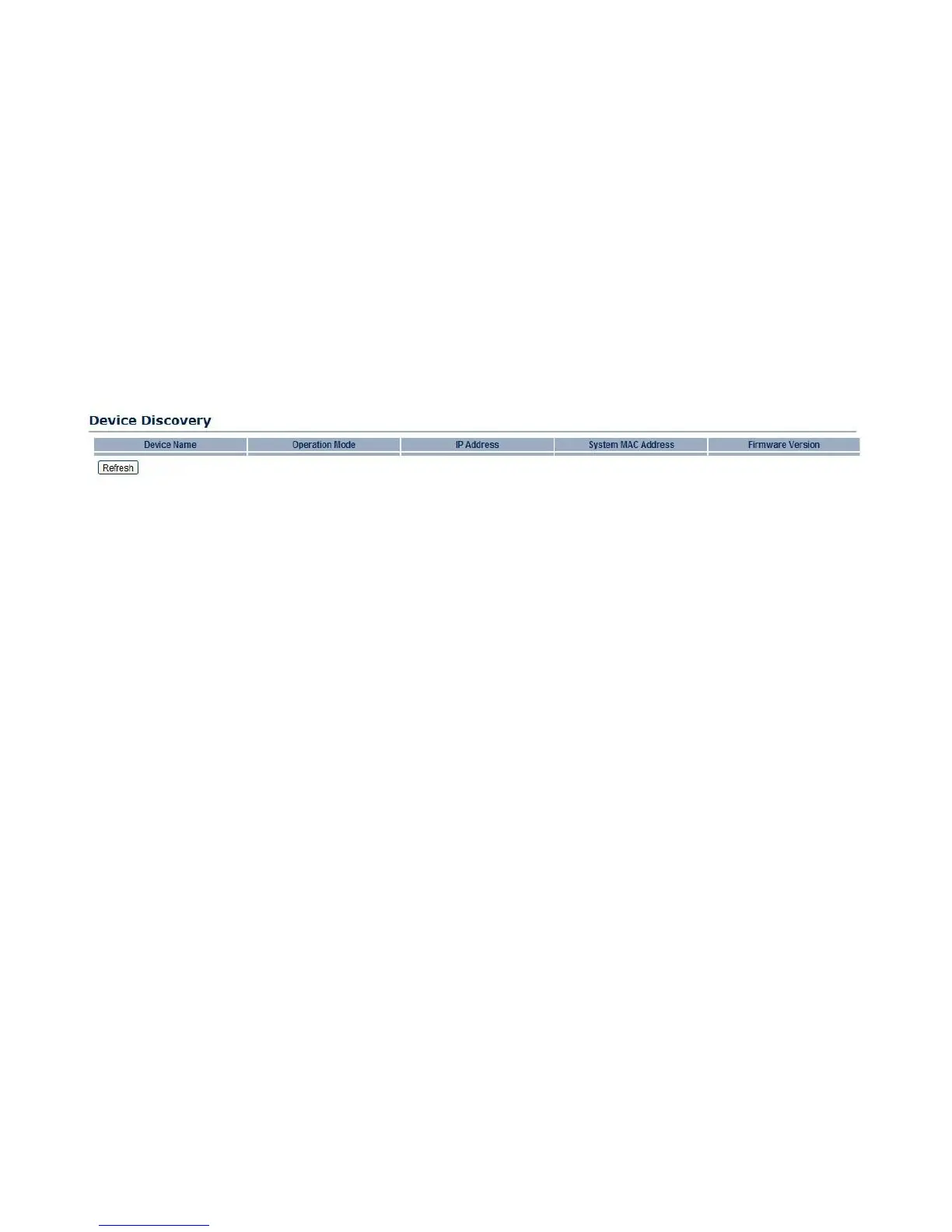
4.5.12 Viewing Device Discovery
Device Name
Displays the name of the devices connected to the network.
Operation Mode
Displays the operation mode of the devices connected to the network.
IP Address
Displays the IP address of the devices connected to the network.
System MAC Address
Displays the system MAC address of the devices connected to the network.
Firmware Version
Displays the firmware version of the devices connected to the network.



 To Next Page