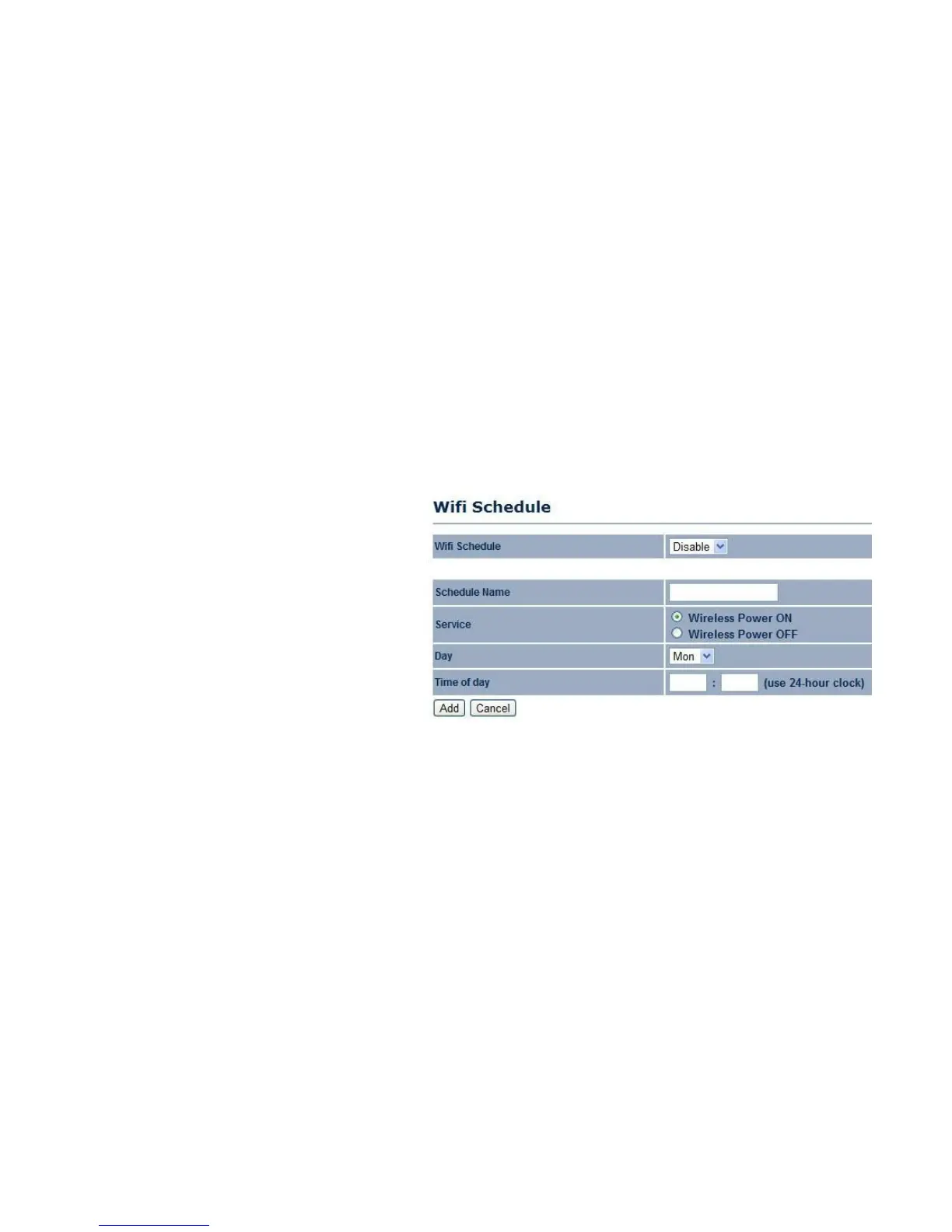
4.5.8 Configuring Wi-Fi Schedule
Use the Wi-Fi schedule function to control the wireless power ON/OFF service that operates on a routine basis.
Add a Schedule Service
Create a schedule service type and date/time parameters for a specific service.
Schedule Name
Enter the description of the schedule service.
Service
Select the type of schedule service, either
Wireless Power ON or Wireless Power OFF.
Day
Select the days of the week to enable the schedule service.
Time of Day
Set the start time that the service is active.
Click Add to append the schedule service to the schedule
service table, or Cancel to discard changes.



 To Next Page