4.5 Management Setup
The Management section lets you configure administrative settings, management VLAN, SNMP settings, backup/restore settings, firmware
upgrade, time settings, and log settings.
4.5.1 Configuring Administrator Account
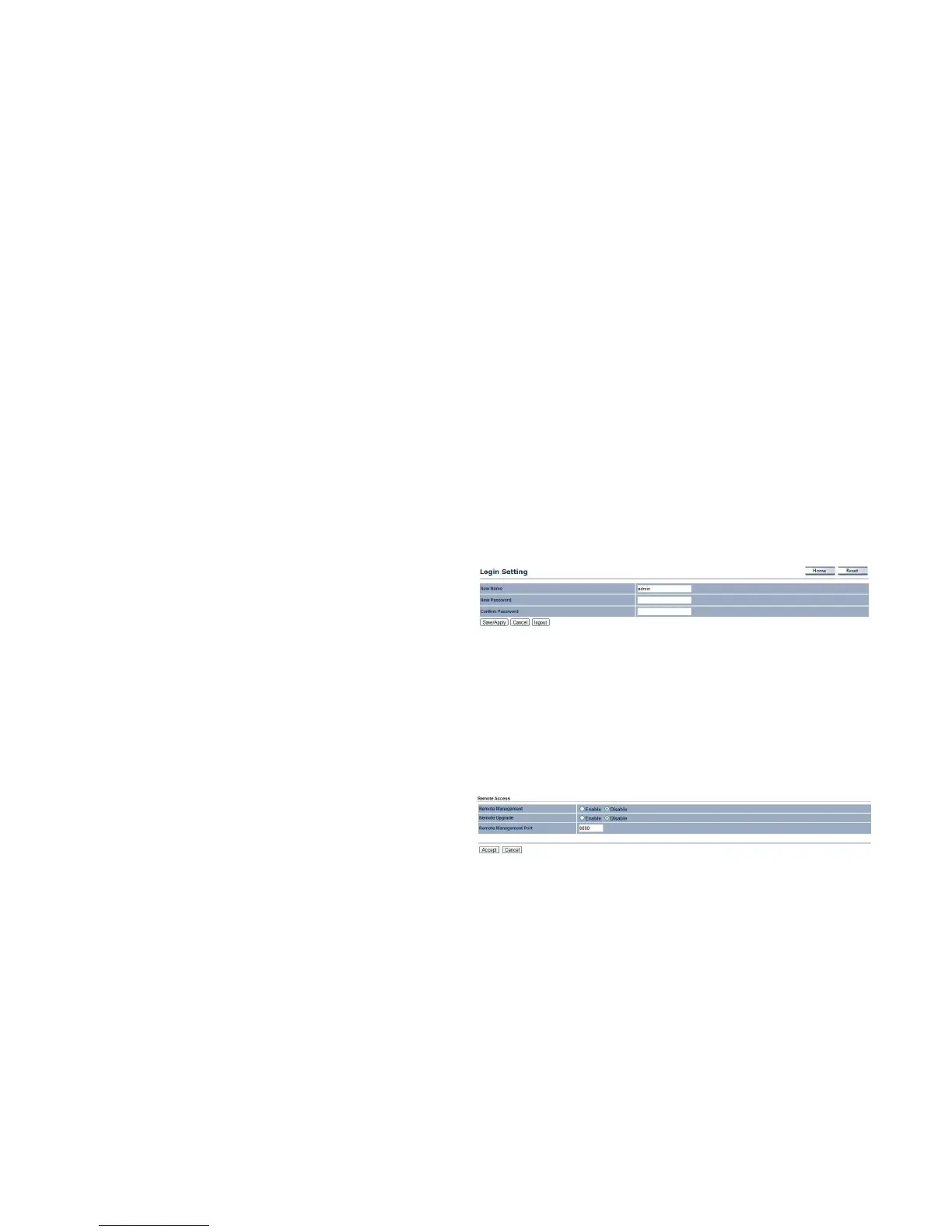
Click the Administration link under the Management menu to change the user name and password used to log on to the EnStation2
Web Configurator. The default user name is admin and the default password is admin. Changing these settings protects the
EnStation2 configuration settings from being accessed by unauthorized users.
New Name
Enter a new username for logging in to the Web Configurator.
New Password
Enter a new password for logging in to the Web
Interface.
Confirm Password
Re-enter the new password for confirmation.
Click Save/Apply to apply the changes or Cancel to return to previous settings.
Remote Management
Enable or disable remote management.
Remote Upgrade
Specify whether the EnStation2 firmware can be upgraded
remotely.



 To Next Page