2021-0306-2507 8 00-02-1207
Button Assignments
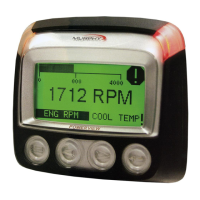
Review the icon on the screen directly above each button to determine that button’s
function. These functions change according to the screen that is displayed. In the above
screen, Button 1 will provide the Password screen to enter the Main Menu. In other screens,
Button 1 will serve a different function.
Home Screen
When first turning on the controller, you will see the Murphy logo display before the Home
screen.
The Home screen displays Engine Hours, Time, RPM/Speed and up to 12 gauges, chosen
from 62 available parameters.


 To Next Page
 Loading...