4 About the Printer
Printer Components
Use the following sections to become familiar with the printer.
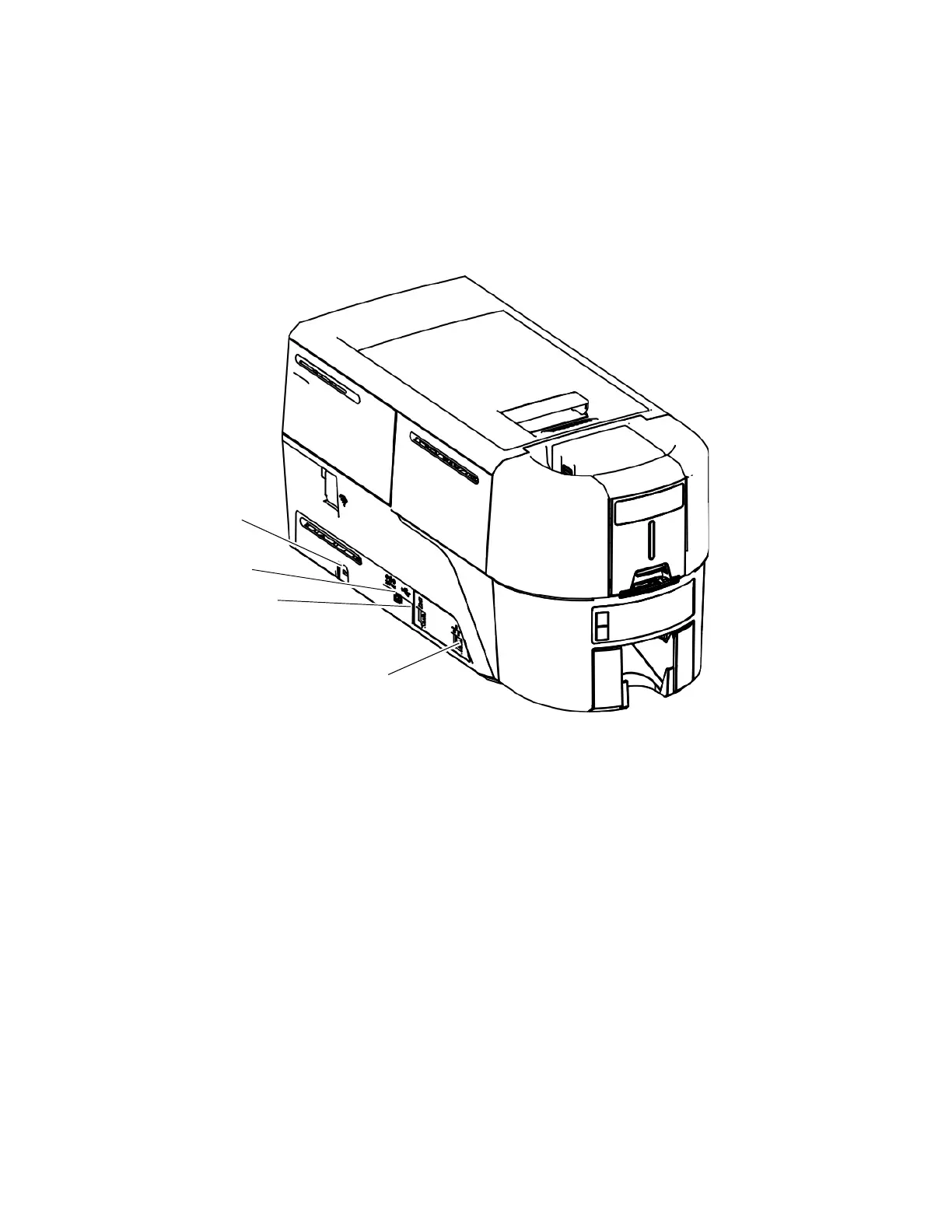
Printer Left Side
Cable Lock Receptacle The receptacle allows you to insert the security plate before
attaching the optional cable lock.
Power Connection The power connection provides a plug-in connector for the
printer power supply.
USB Connection The USB connection allows you to connect the printer directly
to a computer.
Ethernet Connection The network connection allows you to connect the printer to an
Ethernet network.
USB Connection
Power
Connection
Cable Lock
Receptacle
Ethernet
Connection



 To Next Page