Envirosight Verisight Pro
+
Switching the CCU On
NOTE!
If you are using the Verisight Pro+ control unit with the Pan-and-Tilt
Camera (CAM026) or Axial Camera (CAM025) the system must
be fully connected before turning the system on.
The Verisight Pro+ control unit will automatically detect whether a standard
Self-leveling camera or a Pan-and-Tilt camera is connected. This is done at power up
.
Should the Verisight Pro+ control unit be powered up without being connected
to the coiler without Pan-and-Tilt camera then it is assumed that a standard
Self-Leveling Axial camera is attached. You will not be able to control the
Pan-and-Tilt camera functions unless you reboot the control unit.
To switch the Verisight Pro
+
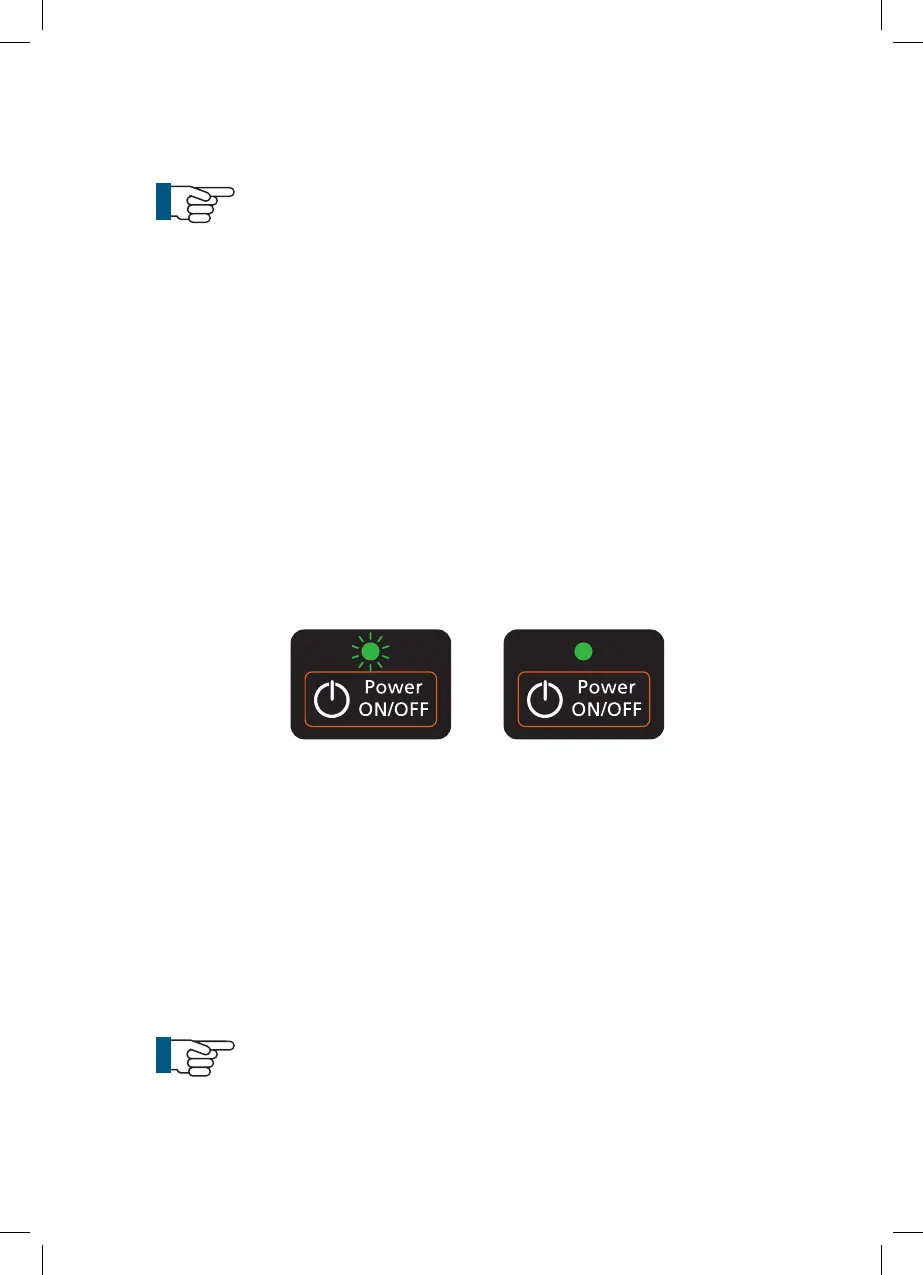
on, press the Power ON/OFF button on the keypad
once only. The green colored LED indicator will start to flash to show that the
unit is initializing. This will take approximately 35 seconds. Nothing will appear
on the screen until this process has completed.
When the Verisight Pro
+
control unit has initialized the green colored LED
indicator
stops flashing and is permanently illuminated, and the Envirosight
splash-screen will show on the LCD display. When the splash-screen disappears
you will be asked to press OK to acknowledge that you are familiar with the
operational requirements of the equipment. Press OK to confirm
The live video picture from the push-rod camera will be shown, surrounded by
a selection of icons showing system status, see page 31.
NOTE!
If a camera or coiler is not connected then the screen will remain
blue but the icons will still be displayed.
Initializing Initialized
29



 To Next Page