Envirosight Verisight Pro
+
To view files contained inside the Daily Directory
1 Highlight the file to be viewed and press OK
2 Select Explore.
To select one of the files for viewing
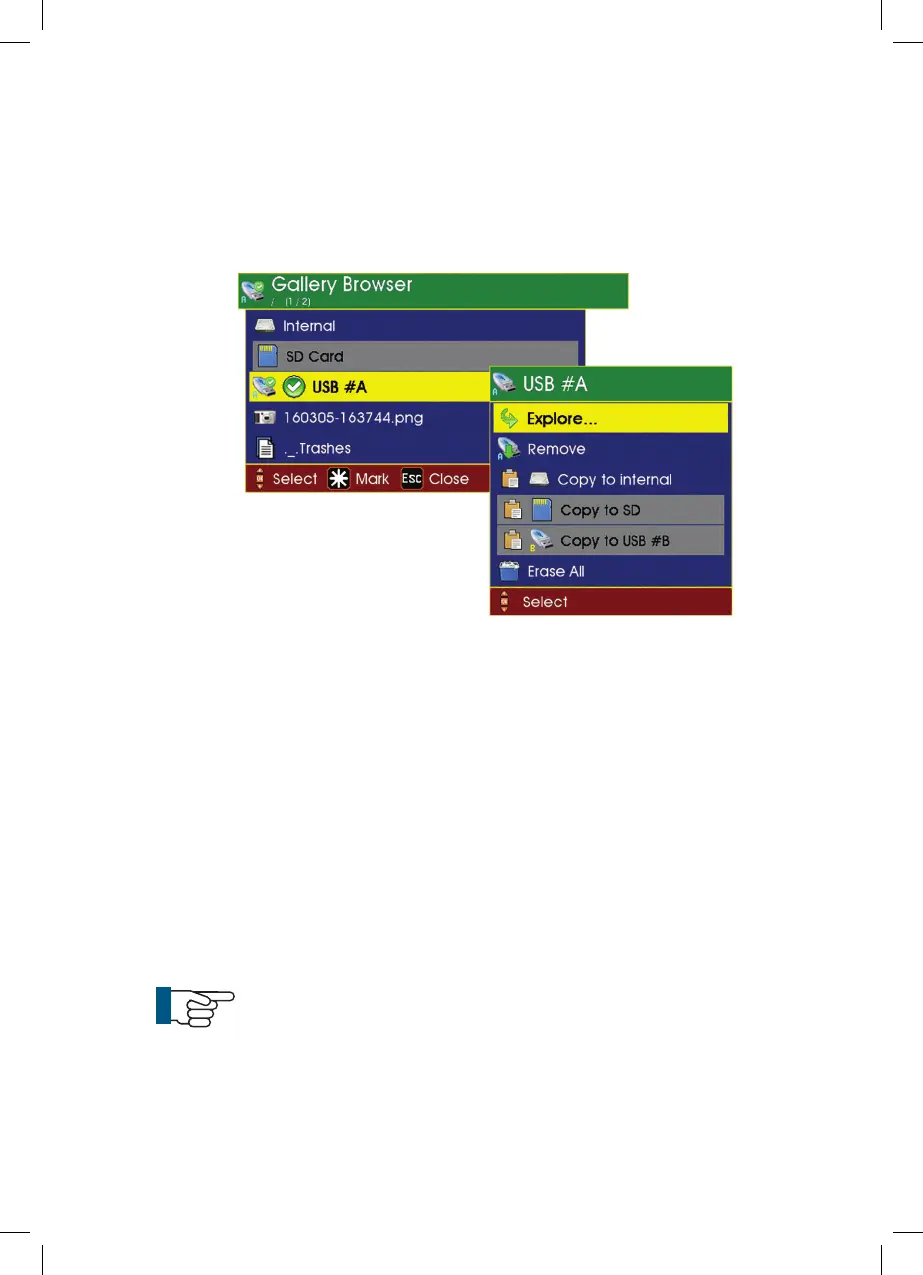
1 Highlight the file and press OK. A sub-menu is displayed as shown below:
Explore (see note below)
Copy to
Rename
Delete
2 Select Explore. This will show video files within the Daily Directory
NOTE: If the selected file is a .jpg picture, then the first menu entry
is Show and if the selected file is an .mp4 or .avi movie file, then
the first menu entry is Play.
49



 To Next Page