Envirosight Verisight Pro
+
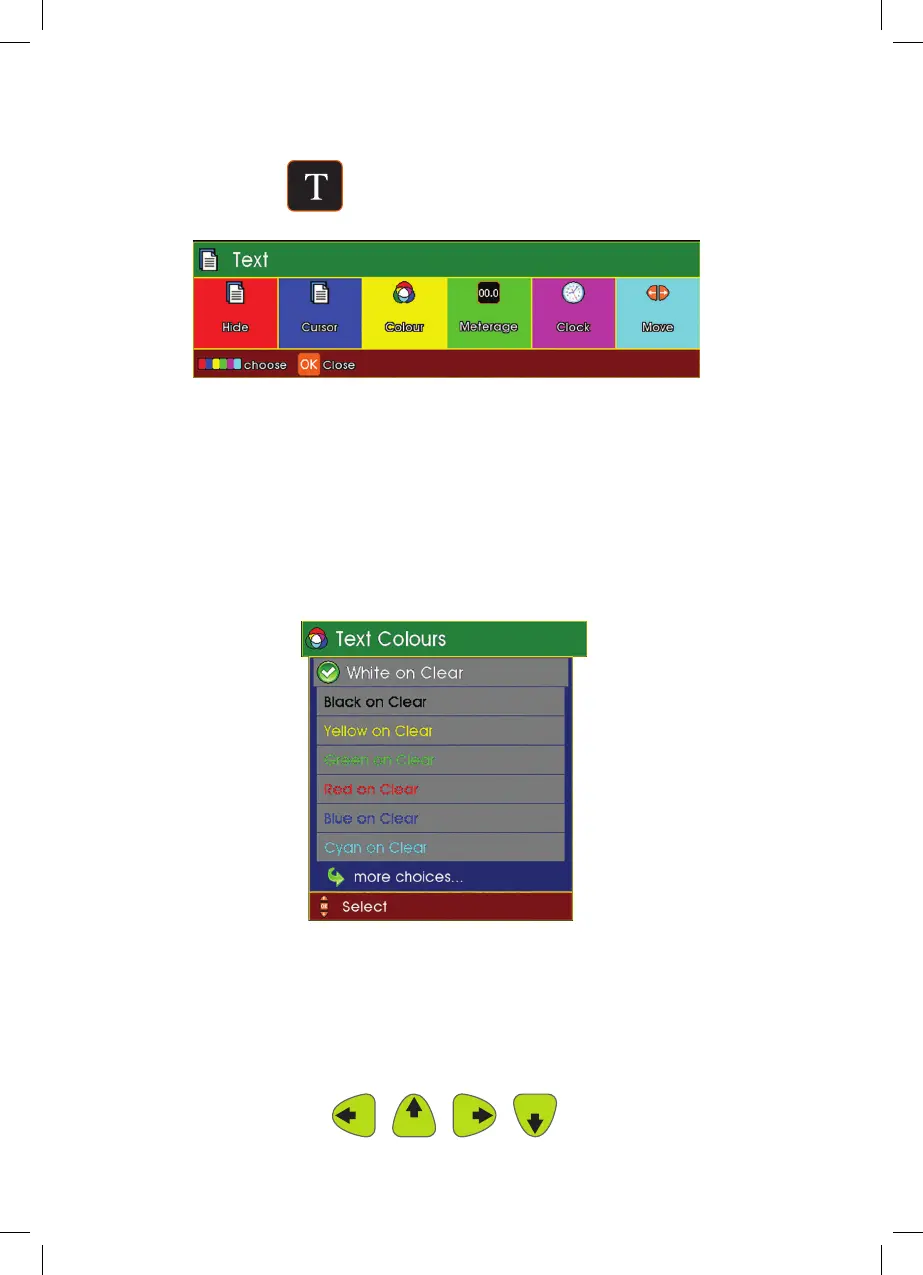
Text
1 Press the Text key.
The text functions will be displayed on screen
2 Select the required function:
Hide F1 (Red key) Hides or shows the distance from the
display.
Cursor F2 (Blue key) Hides or shows the cursor from the display.
Color F3 (Yellow key) Select the desired text color from the drop
down menu.
Distance F4 (Green key)
Hides/shows the distance from the display
Clock F5 (Magenta key) Hides/shows the clock from the display
Move F6 (Cyan key) Use the cursor control Left Arrow, Up
Arrow, Right Arrow and Down Arrow
to reposition the on-screen text.
38



 To Next Page