Envirosight Verisight Pro
+
3 Press the Help key
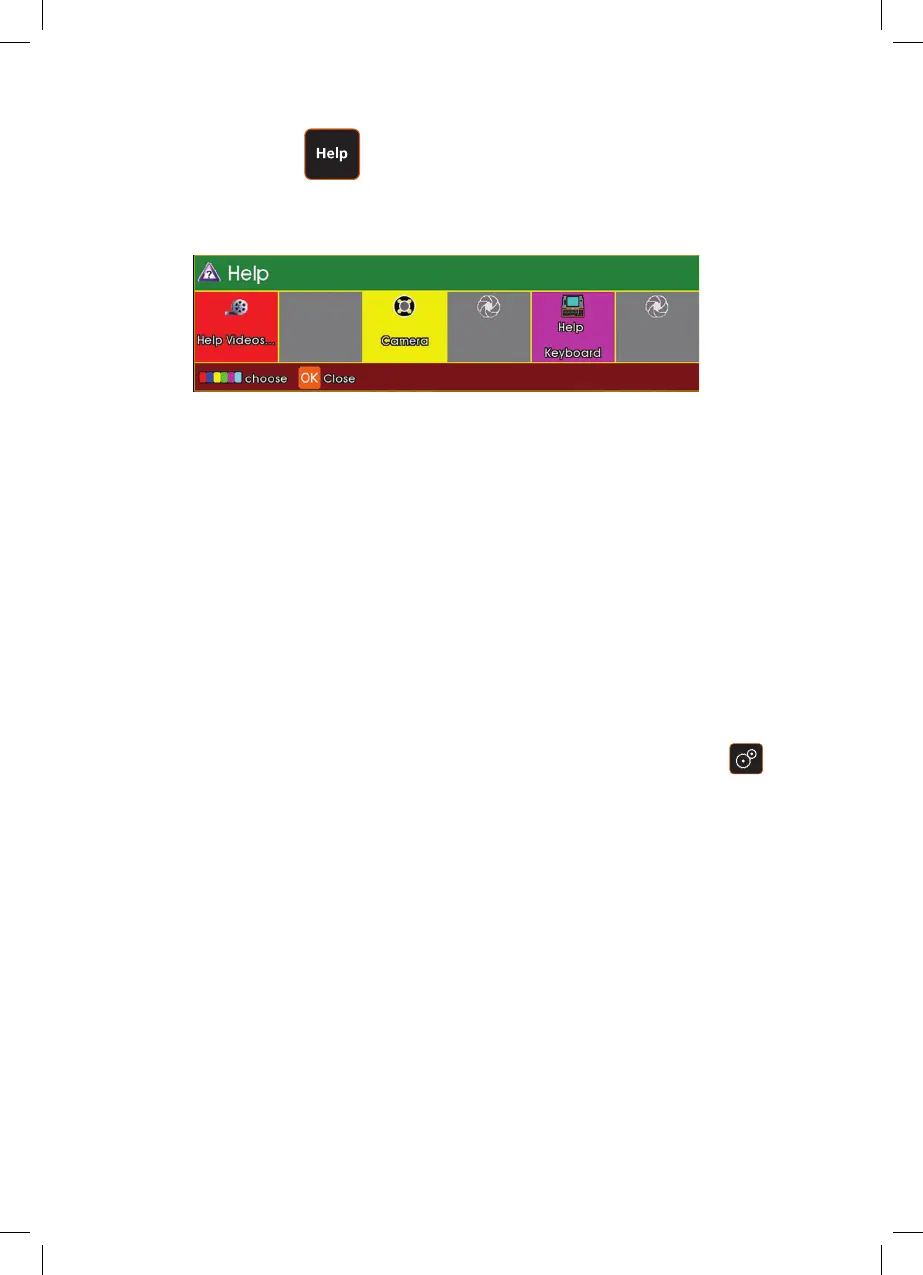
The help menu will be displayed:
Press F3 (Yellow key) to go to Camera
This now gives a screen version of the live pressure gauge. The camera can now
be pressured to approximately 500mBar with the pressurization kit.
Do not over pressure! The CCU will warn for under/over pressure.
Driving the camera with pre-set movements
A range of pre-set camera movements are available to drive the camera e.g. drive
a full 360° clockwise or anti-clockwise.
To view the full range of pre-set movements press the Camera Sweep Key
and select Go from the menu. Highlight the required movement and press OK to
activate it.
94



 To Next Page