Envirosight Verisight Pro
+
Survey
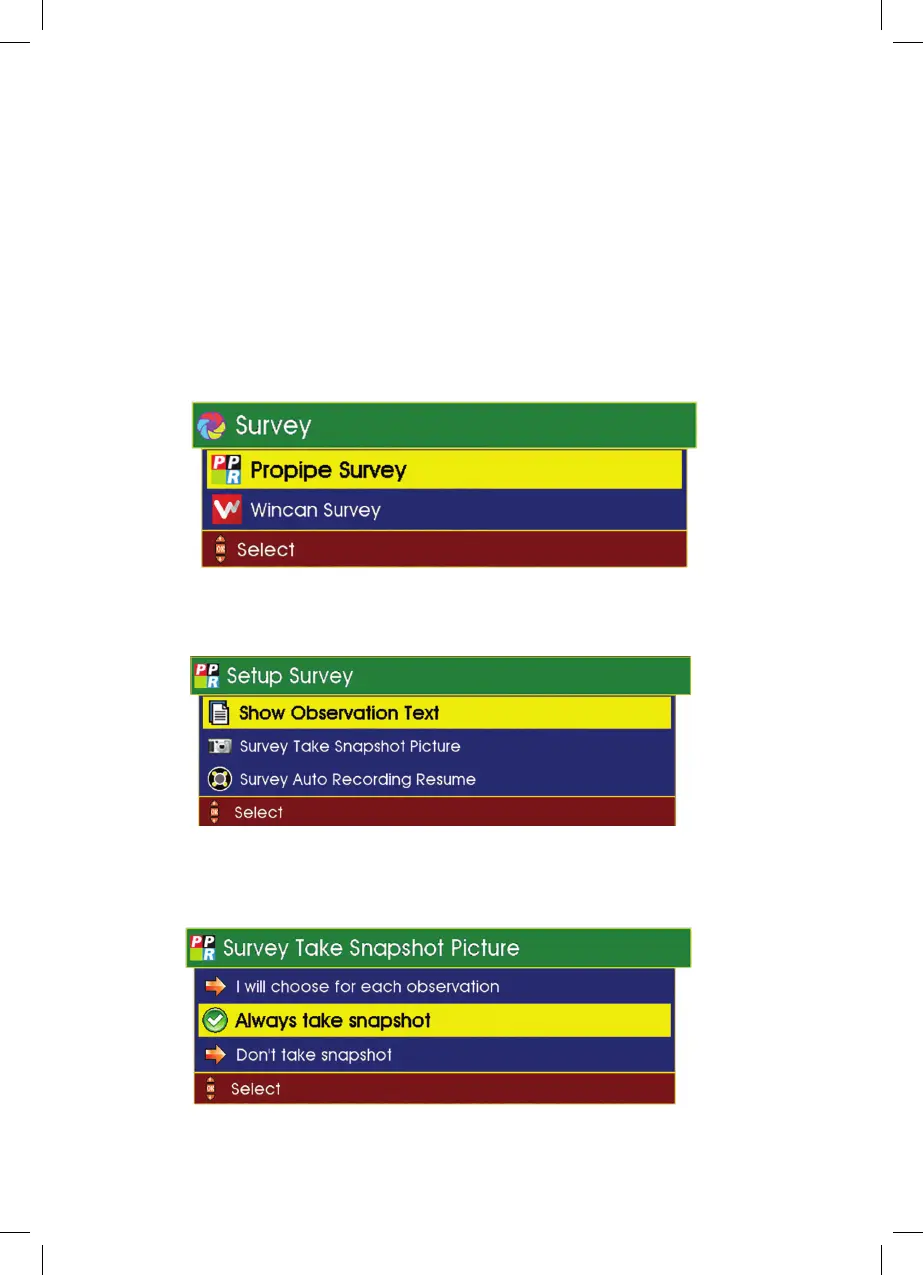
This feature allows the user to show observation text and take snapshot
pictures.
1 Select Survey from the Setup and Configuration drop-down menu
(see page 60).
2 Select the required software: ProPIPE or WinCan.
3 Select the required option eg: Survey Take Snapshot Picture.
4 Select the required option. eg: Always take snapshot
68



 To Next Page