Envirosight Verisight Pro
+
Time and Date
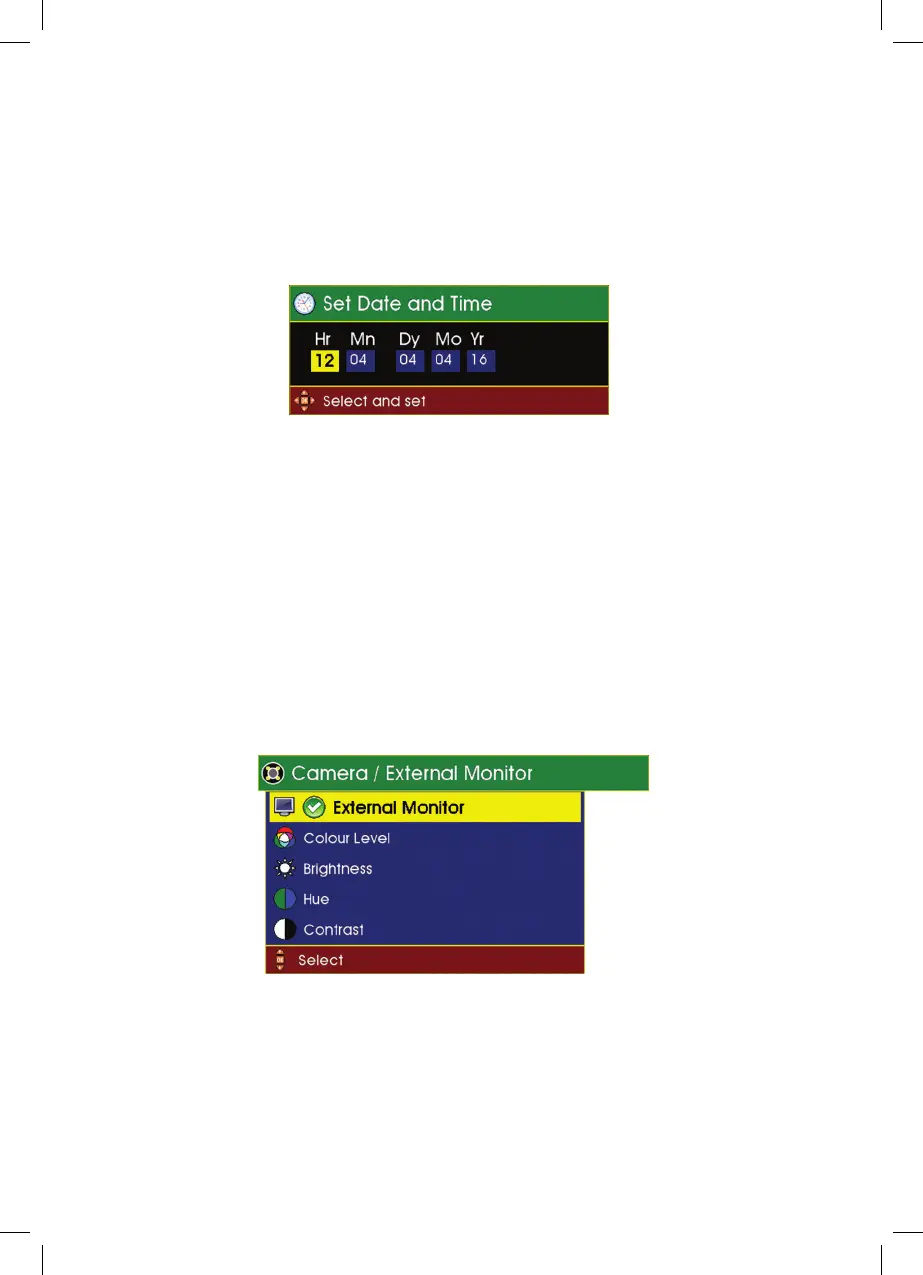
This menu allows the time and date to be set for the local area. Having selected
the Time and Date option, use the cursor control Left Arrow, Up Arrow, Right
Arrow and Down Arrow to change the highlighted number then move the
cursor Left Arrow or Right Arrow to move from one field to another.
When you have set the date and time press OK to save and return to the setup
menu.
Camera / External Monitor
External Monitor
This is an optional extra (purchased separately) on Verisight Pro+. If installed
you can turn the video output ON/OFF by selecting this option. When ON a
green tick sits alongside this option to signify that it is active.
64



 To Next Page