14
35
PROGRAM
PLAY DELETE
15. PBC (MENU) play
In VCD mode, press this button then play the PBC and display will show whole menu in
disk, work with number button to choose song. When you are playing either song of the
PBC, and you want to stop to select another song, press the button to turn off.
Note:
1) This function can be worked by the control.
2) PBC is suitable for the SVCD and VCD 2.0 disc.
3) In PBC mode, you can not press number button only to choose song.
16. VCD program playing
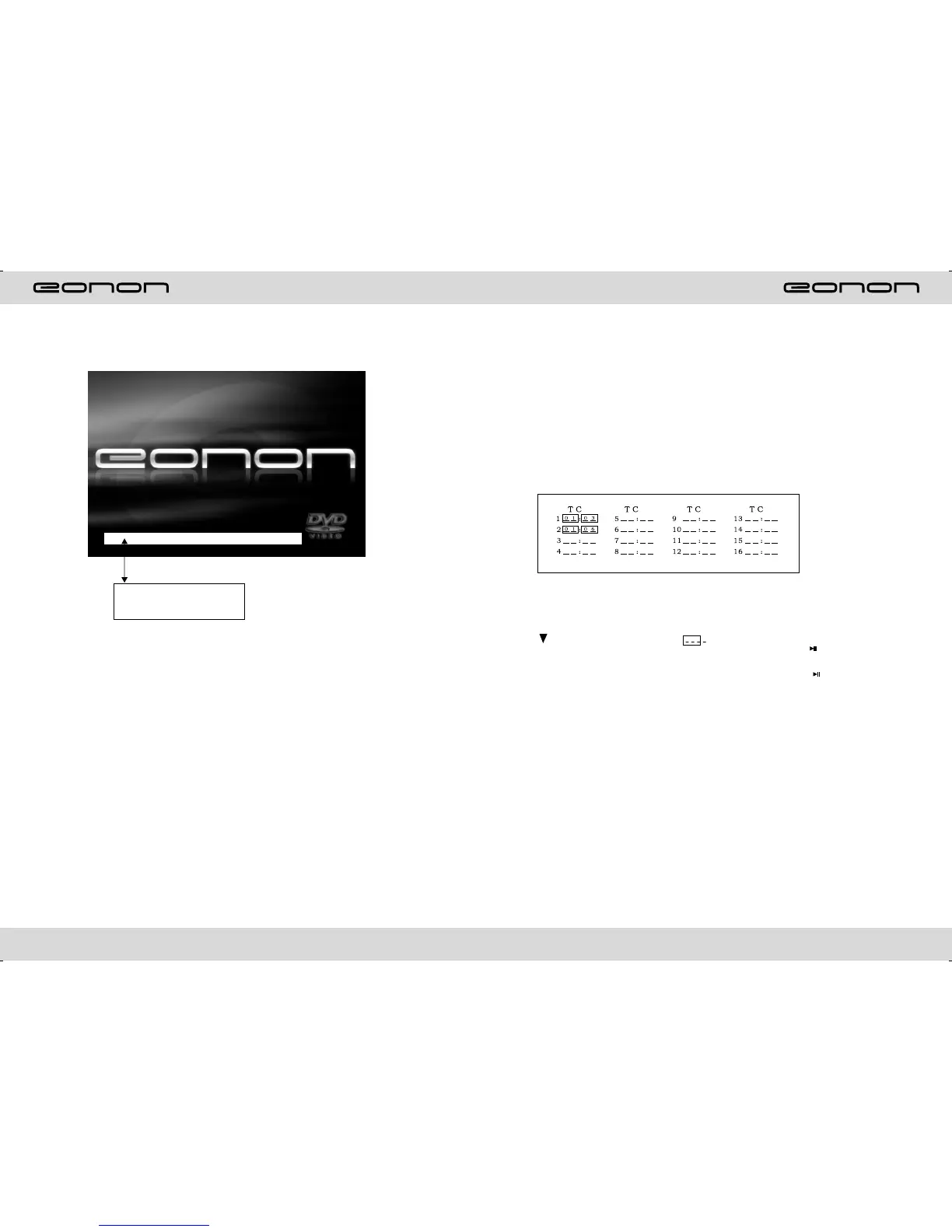
In VCD mode, you can set playing sequence of songs by program play function. The
program playing operation steps are as follows:
In VCD mode, press ST/PTOG button, display will show;
Input the songs which you want to programmed by the number buttons on remote
control.
Fr example: Program the first song, input your desires song, for example, the fourth
song, and press number button 4 on the remote control. Program the second song,
press button move the cursor to 2 . Input your desired song, for example, the
eighth song, press number button 8 on the remote control. Press button to program
play.
Back to the normal mode, press the ST/PROG button, then press button.
Note: This function can only be worked by the remote control.
Note: When loading a disc, touch screen function can not be used.
LOADING
This white bar shows the
rate of process of loading
a disc.



 To Next Page