6
43
2.Panel button control instruction
1.SOURCE BUTTON
Press this button for a short moment to turn on power,and long press it to turn off power.
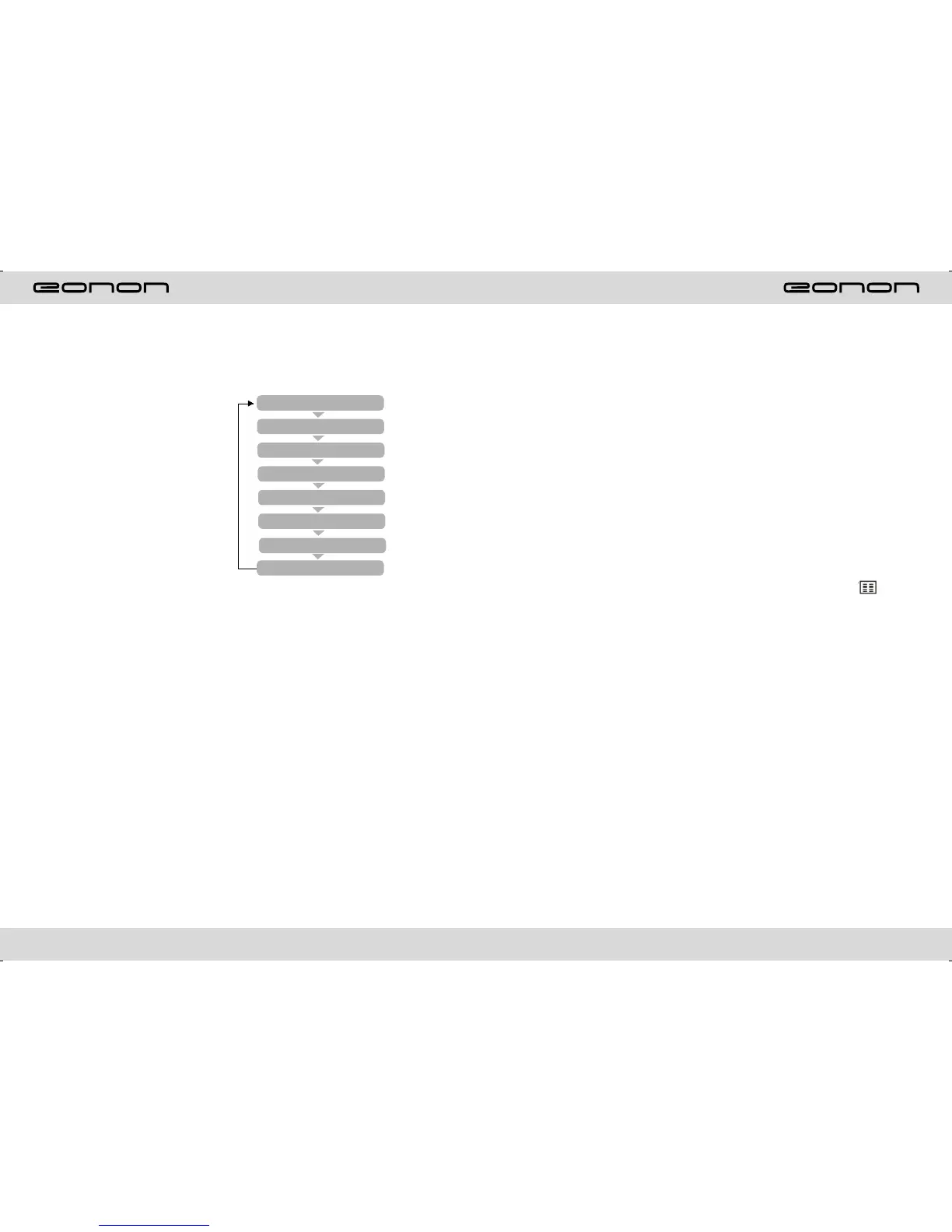
Every button-press activates mode
change as follows:Note:When the
device without connecting to USB.
SD,CDC or DVD no Disc inside,
the system will automatically skip
These related wording mode.
2.Release button
Press this button can take off the control panel.
3.MINI USB PORT
The audio and wiedo documents can be red by mini USB port which is with
standard high speed USB port.
4.RESET BUTTON
Press this button to make the unit back to the mode default.
5.REMOTE CONTROL RECEIVER
It can receive infrared massage of remote control.
6.MUTE/TFT ON/OFF BUTTON
Press this button shortly to turn off volume output,press again to resume former
volume level.
Press this button longer to turn on/off TFT LCD display.
7.VOL- BUTTON
Press this button to reduce the volume.
8.VOL+ BUTTON
Press this button to increase the volume.
RADIO
DVD
AUX
USB
SD
TV
GPS
CDC
(Optional)
(Optional)
OTHER PLAY MODE
AUX IN:
AUX IN OPERATION
1) Press “Source” button on remote control or touch “AUX” on the touch screen, switch
to
AUX mode.
2) Make video input plug connect to AUX video input outlet, audio input connect to
AUX audio input outlet.
3)This unit only supply 1pcs video input & 1 pair audio input.
CCD (Car backsight function)
1) If there is a car back
camera on your car, please connect car back control line “BACK” to your car camera
control terminal, and connect video input line to the video output terminal of your car
camera.
2) When car is back, the unit will auto switch to CCD mode, and there is a “ ”
appeared on the screen.
3) You can set CCD image according to your car's own position in general setting mode.



 To Next Page