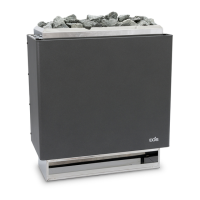
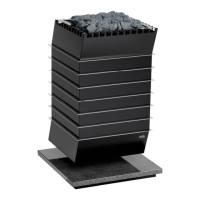
EOS Cubo / Cubo Avantgarde - Installation and Operating Instructions EN-41
Maintenance
4 Remove the design cover.
a) Loosen the 2 screws at the bottom edge of the design cover.
b) Slide the design cover down slightly and remove it.
5 Unscrew the screws (B) on the terminal box and remove the cover (A).
6 Pull the heater forward and carefully place it on its back.
You can place foil or a cloth underneath the heater to protect it.
A Terminal box cover B Screws
A
B


 To Next Page