26
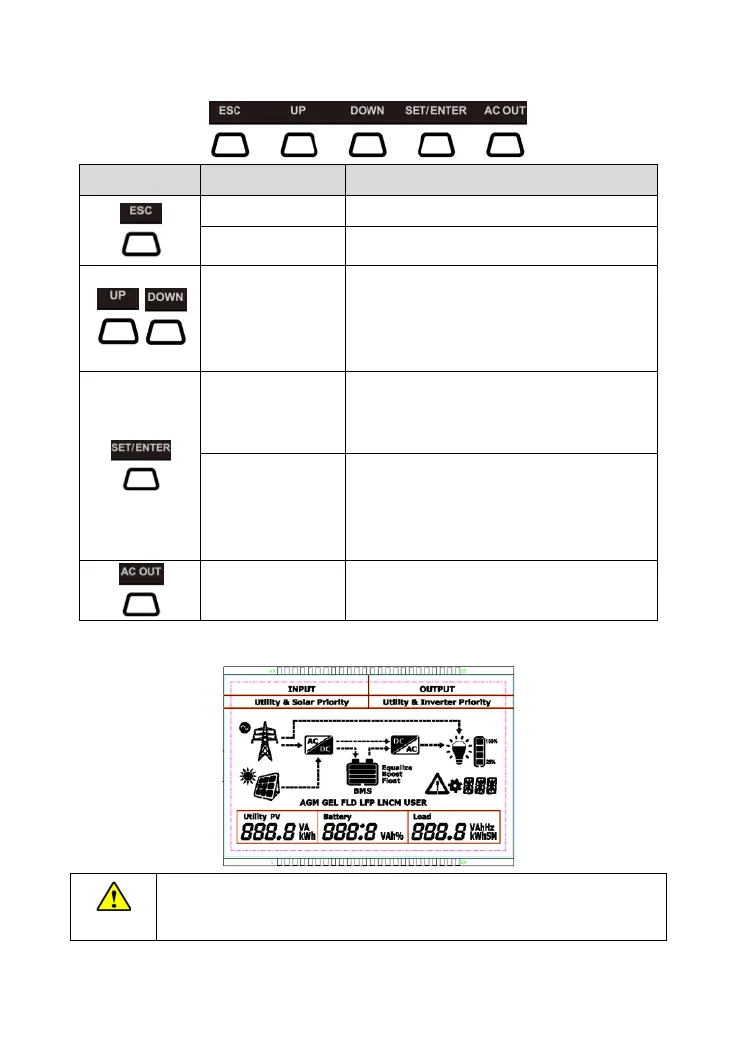
3.2 Button
Exit the current interface
1. Browse/Setting Interface: "UP" for page up;
"Down" for page down
2. Modify parameter values: "UP" to increase the
value; "DOWN" to decrease the value
1. Switch the page on the real-time monitoring
interface
1. Switch between "Real-time monitoring
interface," "Settings interface," "Parameters
interface."
Switch on/off the AC output
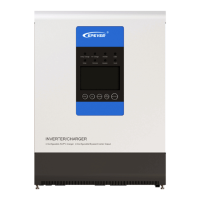
3.3 LCD
The display screen can be viewed clearly when the angle between the end-user's
horizontal sight and the display screen is within 90°. If the angle exceeds 90°, the
information on the display screen cannot be viewed clearly.




 To Next Page