Using the Printer Software with Macintosh 117
EPSON AcuLaser C3800 User's Guide
4. Adjust the image intensity of the watermark with the Intensity slider bar.
5. You can rotate custom text watermarks by inputting the degrees in the Angle box. Or
select the Rotate by mouse check box, then rotate the text watermark with the pointer
on the preview window.
6. Click OK to apply the settings.
Making a new watermark
You can make a new text or bitmap watermark with the following procedures.
To make a text watermark
For Mac OS X users
1. Open the Print dialog box.
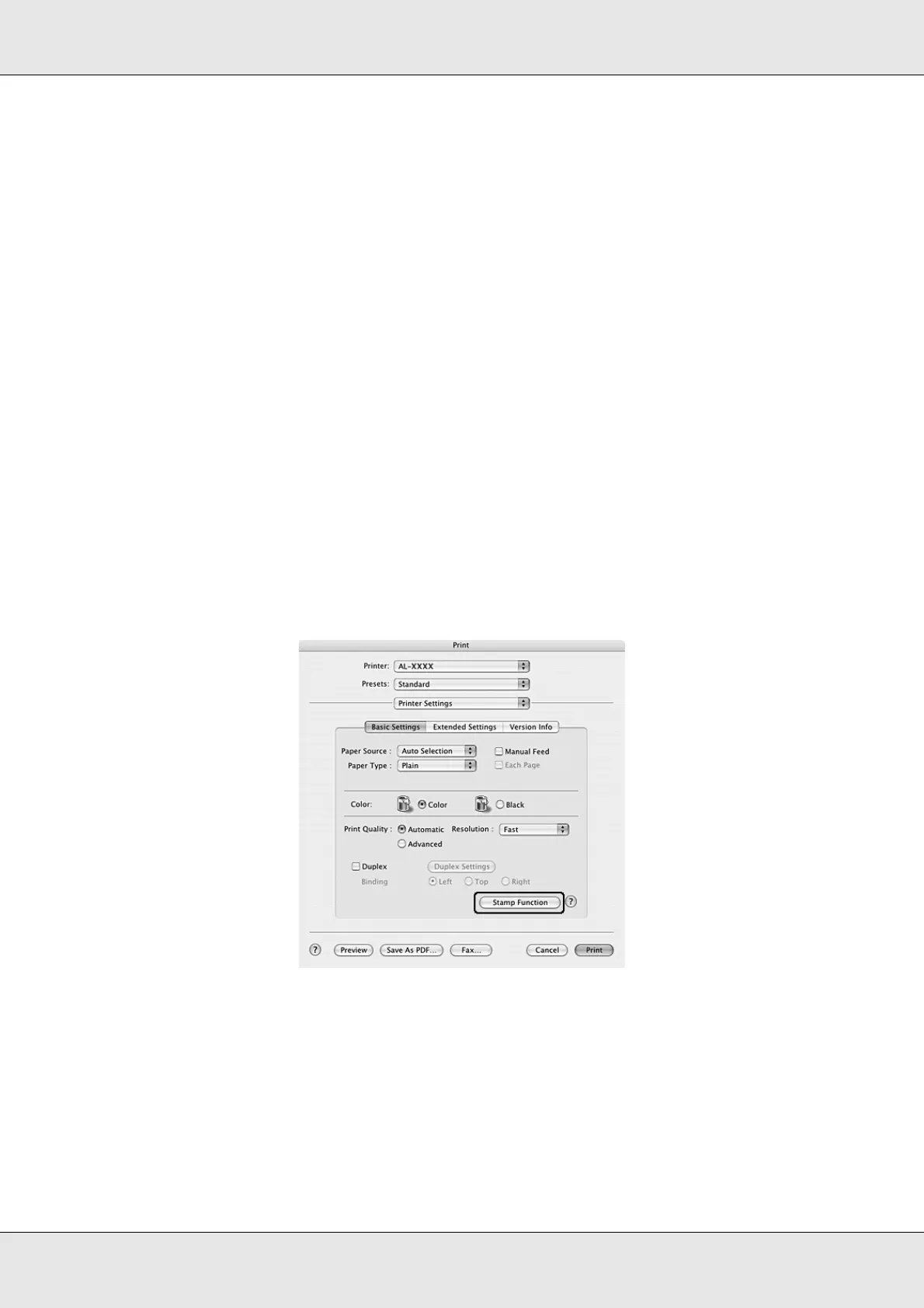
2. Select Printer Settings from the drop-down list, and select the Basic Settings tab.
3. Click Stamp Function.


 To Next Page
 Loading...







