14
Loading a Photo with a Carrier Sheet
User Replaceable Epson Scanner Parts
You can purchase genuine Epson accessories at epson.com (U.S. sales) or epson.ca (Canadian sales).
You can also purchase accessories from an Epson authorized reseller. To find the nearest one, call 800-
GO-EPSON (800-463-7766).
Part Part number
Carrier sheet B12B813431
Roller assembly kit B12B819231
Parent topic: Scanner Basics
Changing the Power Off Setting
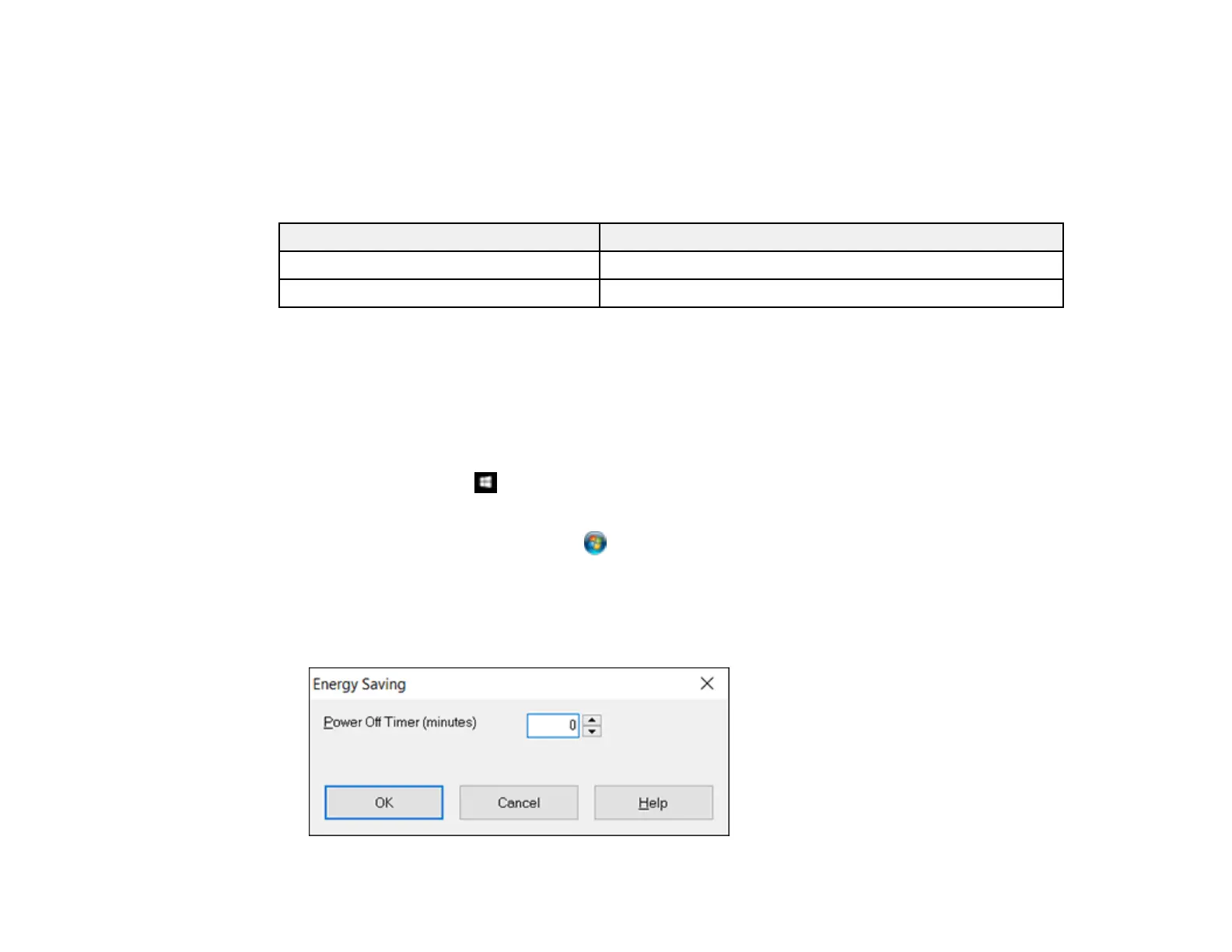
You can use the Epson Scan Settings utility to change the time period of inactivity before the scanner
turns off automatically.
1. Do one of the following to access the Epson Scan Settings utility:
• Windows 10: Click and select All Apps. Select EPSON, then select EPSON Scan Settings.
• Windows 8.x: Navigate to the Apps screen and select EPSON Scan Settings.
• Windows (other versions): Click or Start, and select All Programs or Programs. Select
Epson, then EPSON Scan, then click EPSON Scan Settings.
• OS X: Open the Applications folder, then open the Epson Software folder and double-click the
EPSON Scan Settings icon.
2. Click Energy Saving.








 To Next Page