23
Loading Multiple Sizes of Photos in the Input Tray
You can load different sizes of photos in the input tray at the same time in these sizes: 4 × 6 inches
(102 × 152 mm) and 5 × 7 inches (127 × 178 mm). Do not mix photos and documents.
Scan photos larger than 5 × 7 inches (127 × 178 mm) one at a time.
Caution: Do not load fragile or irreplaceable photos, or valuable original documents or artwork, directly
into the input tray. This may wrinkle or damage the original. Load these originals using the included
carrier sheet.
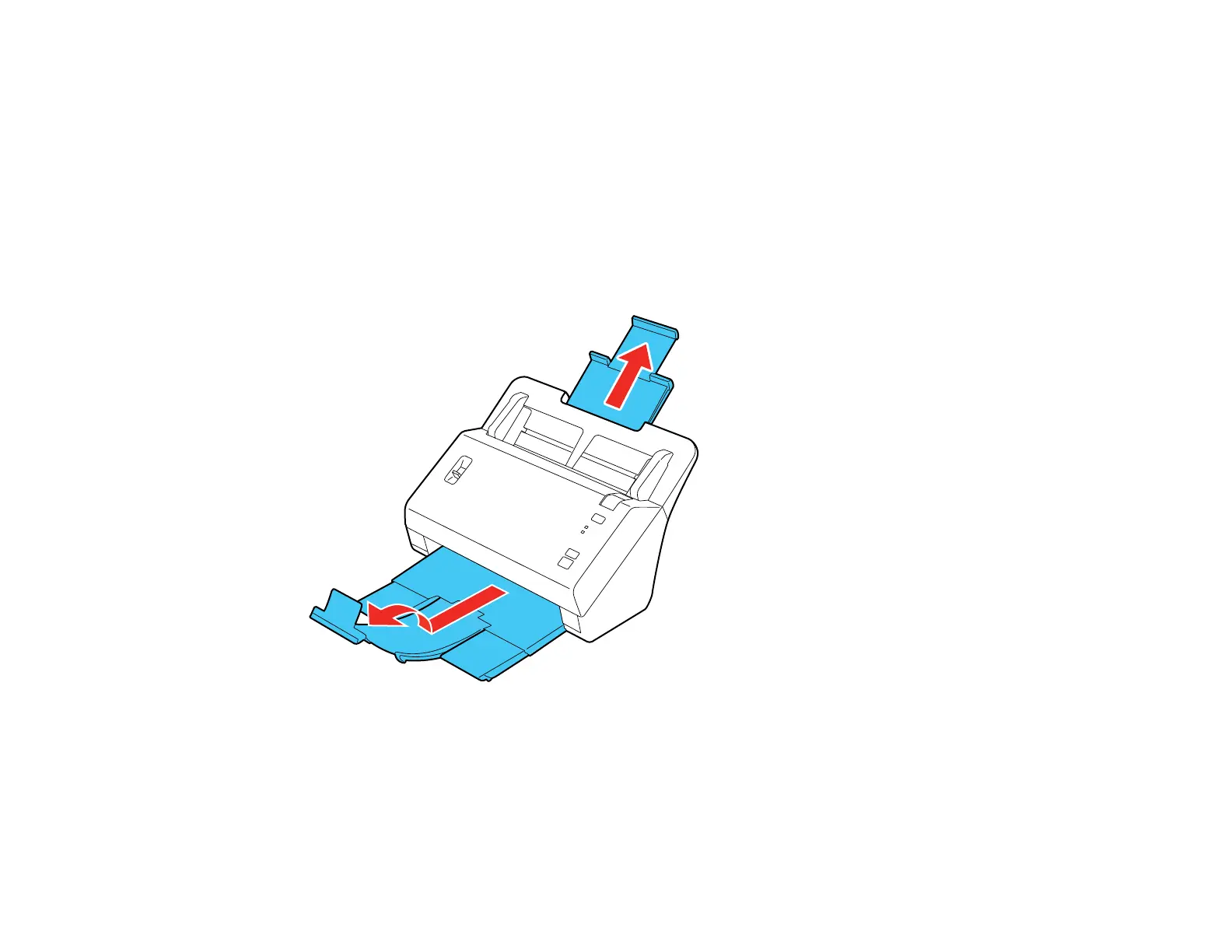
1. Pull up the input tray extension, extend the output tray, and flip up the stopper.








 To Next Page