83
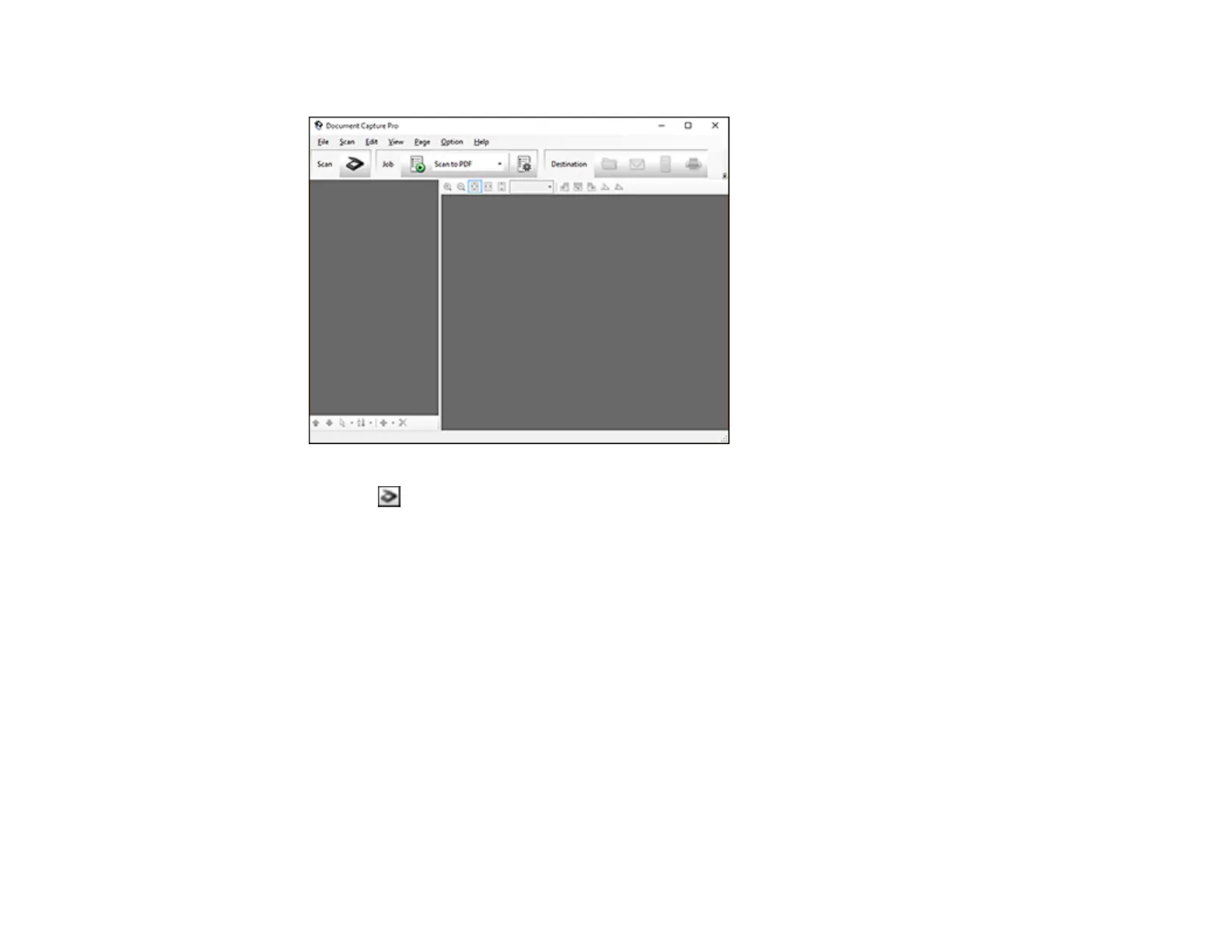
You see this window:
3. Click the Scan icon.
4. Select any displayed scan settings you want to use.
Note: See the Help information in Document Capture Pro for details.
5. Click Scan.
You see a preview of your scan in the Document Capture Pro window.
6. Click one of the Destination icons to choose where to send your scanned files. (If you cannot see all
of the icons below, click the arrow next to the icons.)
You see the Batch Save or Transfer Settings window.
7. Select the Office format file you want to save your scan as from the File Type drop-down list.
8. Click Options to display a new window with additional settings.
9. Select any additional settings as necessary, and click OK.
10. Confirm your settings and click OK or Send.








 To Next Page