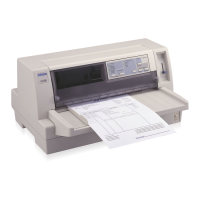
Setting the paper release lever
You use the paper release lever to set the paper path you want the
printer to use. The paper release lever has two positions: for
tractor feeding and for single-sheet feeding, as explained below.
Single-sheet feeding position
−
for loading single
sheets (including envelopes and postcards) from
the paper guide, the optional cut-sheet feeder, or
the optional roll paper holder.
Tractor feeding position
−
for loading continuous
paper from the tractor.
A13
2-2
2-3
L
Adonis Rev.C
A5 size Chapter 3
96/12/ 19 pass 5
3-4
Paper Handling


 To Next Page