45
Note: If you don't see the icon, you may have selected the wrong network name or entered the
password incorrectly. Repeat these steps to try again.
Parent topic: Wi-Fi Infrastructure Mode Setup
Related references
Status Icon Information
Entering Characters on the LCD Screen
Wi-Fi Direct Mode Setup
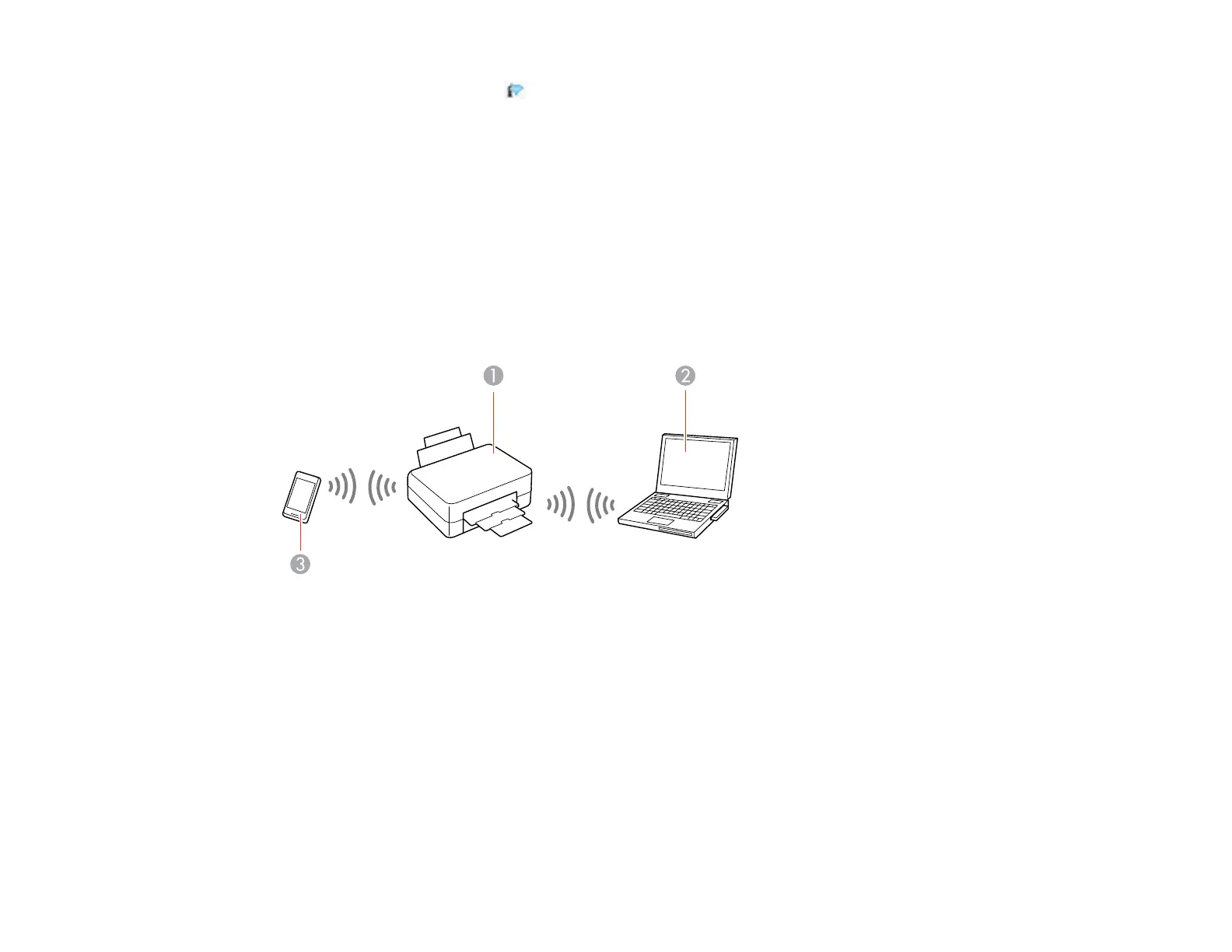
You can set up your product to communicate directly with your computer or another device without
requiring a wireless router or access point. In Wi-Fi Direct Mode, the product itself acts as a network
access point for up to 8 devices.
1 Epson product
2 Computer with a wireless interface
3 Other wireless device
Enabling Wi-Fi Direct Mode
Parent topic: Wi-Fi or Wired Networking















 To Next Page