7 • Maintenance and servicing
64 / 70
80116-941_V24392
2023-03
Test procedure
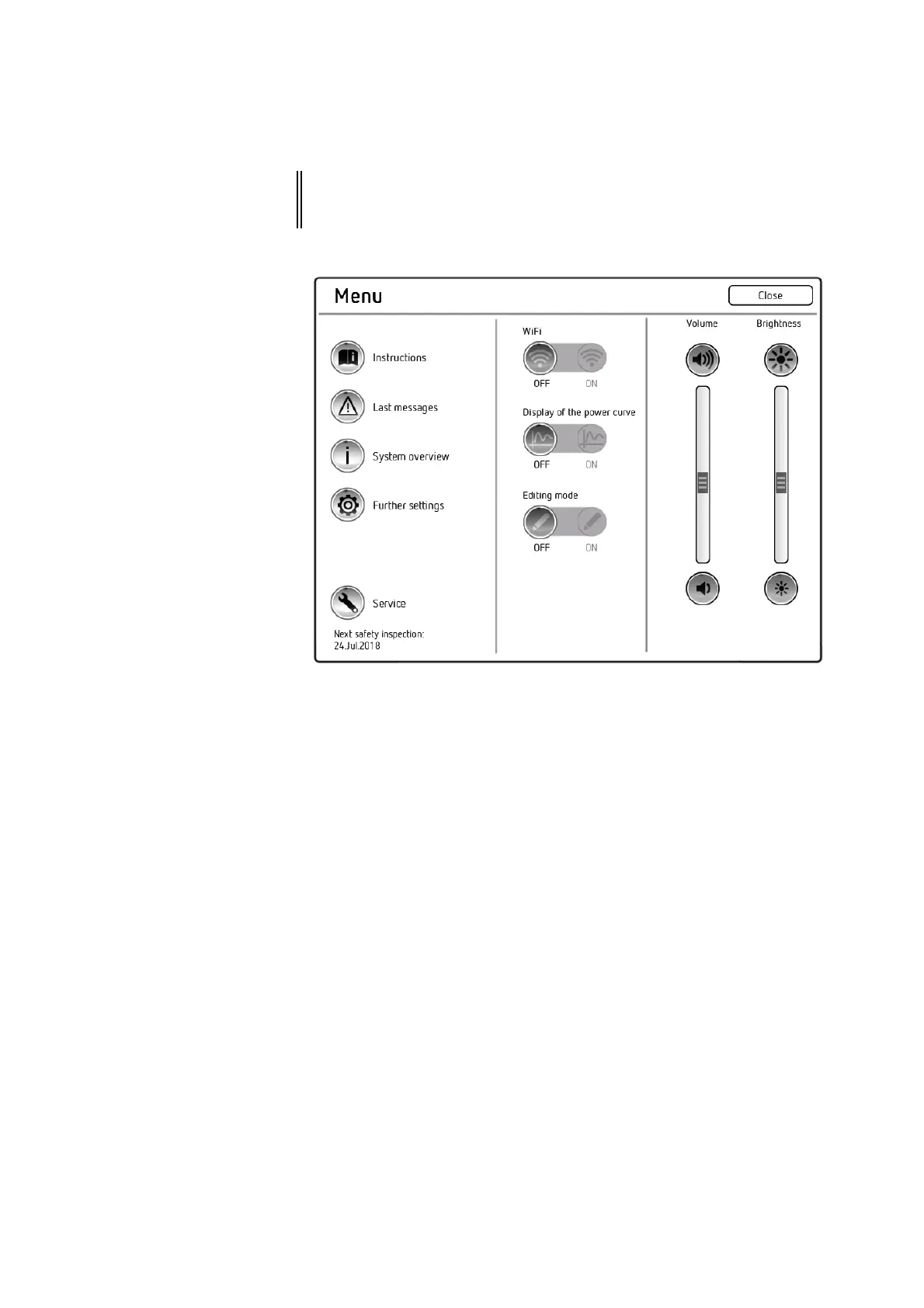
1. Call up the "Menu" screen.
2. Call up <Further settings>.
3. In the "Further settings" screen, scroll to the <Protected settings>
option.
4. Call up <Protected settings>.
5. Enter the password Level2 and confirm with <Entry>. The unit shows
all password-protected settings.
6. The following settings are relevant:
– Use of AUTO START: Must be permitted for the test.
– Delay AUTO START bipolar: Note the value.
7. Exit <Further settings>.
IMPORTANT! The test only works when AUTO START is permitted. In addition, the test
box response varies depending on the time period set for the start
delay.



 To Next Page