How to use this device
70/96
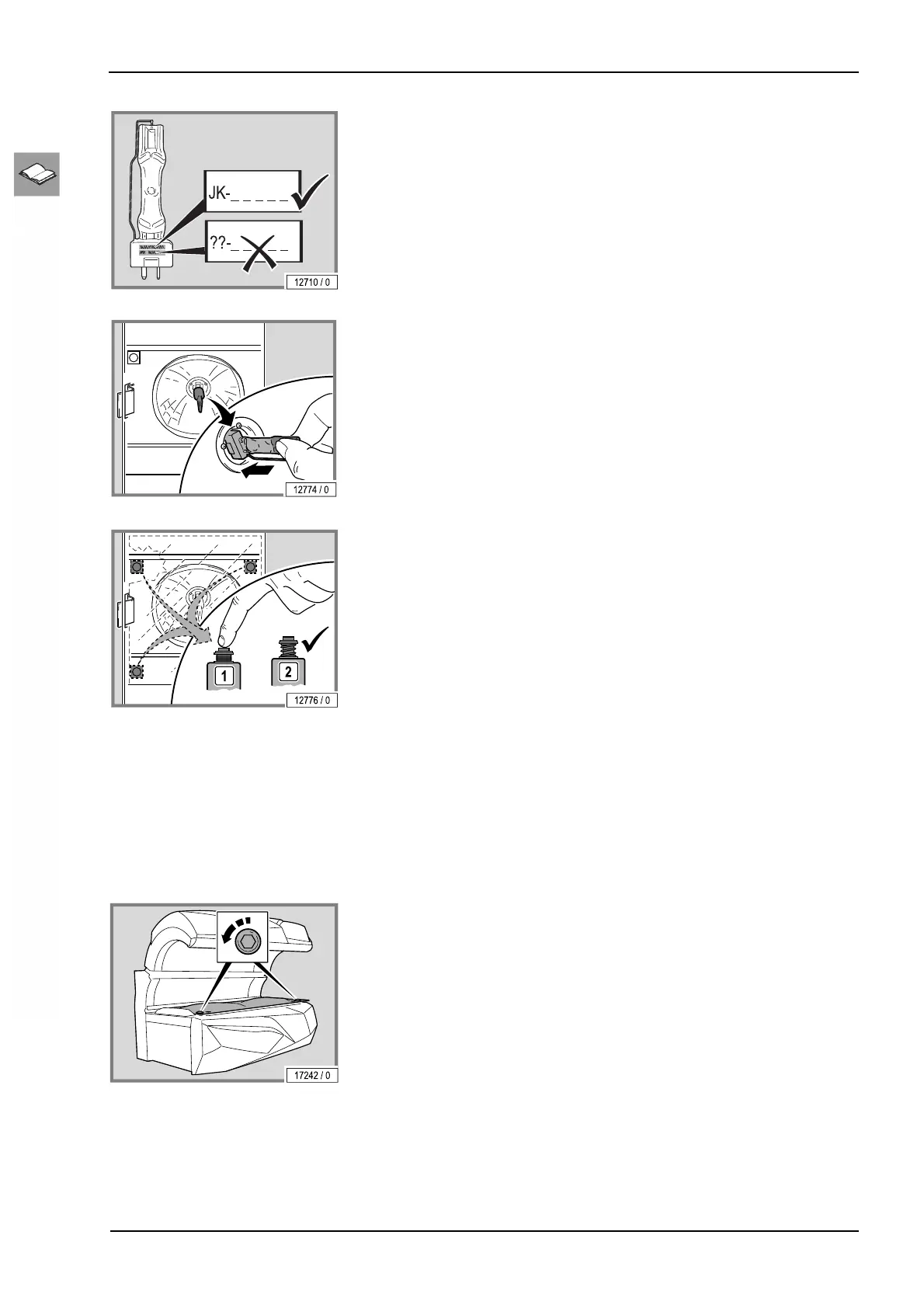
– Only utilize original lamps.
– Only touch new lamps in the handling zone.
– Test the safety switch to ensure that it works.
The safety switch ensures that the device switches off in the event of a
faulty filter panel or when a filter panel is missing.
– Press the button and release it.
If the button springs back automatically then it is functional.
– Replace the filter panel.
12.16.5 Cleaning and disinfection of the sensor
Not applicable for this device.
12.16.6 Cleaning or replacing lamps in the base
– Lift up the acrylic panel and the partition: see page 63.



 To Next Page