-- 3 5 --
fzb2d3ea
3. DRIVE TRIM MENU
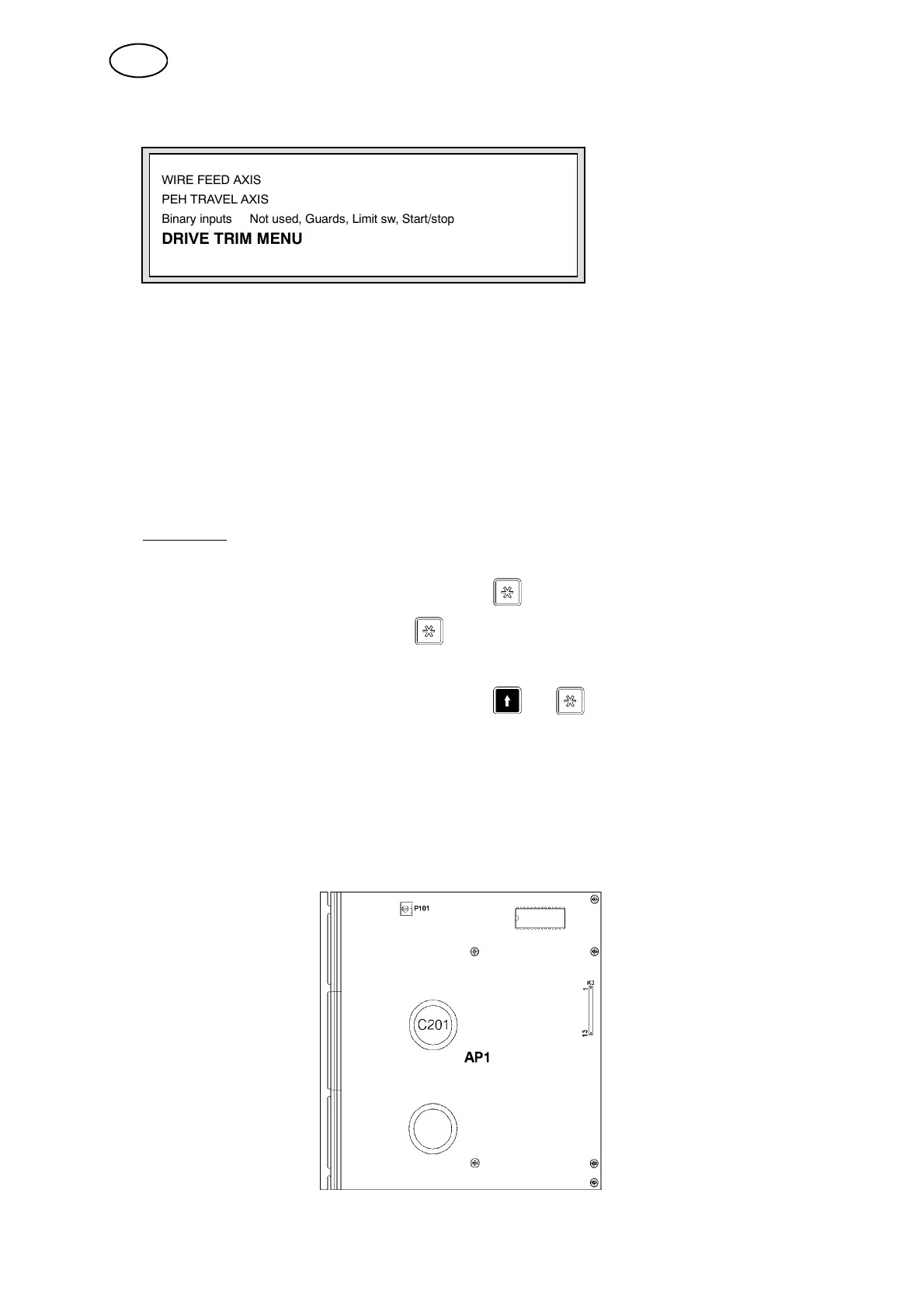
WIRE FEED AXIS
PEH TRAVEL AXIS
Binary inputs Not used, Guards, Limit sw, Start/stop
DRIVE TRIM MENU
Use this menu to set up the required parameter and setting values for the PEH
electronics.
Data settings are stored in the IC15 flash memory chip (see page 25).
The settings are therefore unique for each electronic unit and are shown in this
menu.
The preset values for an untrimmed electronics card are shown in the table on
page 36. T he values for a trimm ed electronics card will differ from those of the
Preset Values.
Set your own offset values for the wire feed motor (M1) VXPoffset 32768, and for
the travel motor (M2) VYPoffset 32768.
Examp le:
How to adjust the offset error of the travel motor:
S Select DRIVE TRIM MENU and press .
S Select VXPoffset and press .
S Enter the desir ed value, for example 32868.
S Return to the MAIN MENU by holding
+
down.
The value of the VXP offset is now 32868.
Proceed in the same way to adjust the offset error VYPoffset 32768 of the travel
motor.
If necessary, trimming data for the respective electronics card can b e ordered
from ESAB.
When ordering trimming data, the manufacturing number must be indicated (to
be found on the DC DUO card, capacitor C201).
GB



 To Next Page