-- 4 5 --
fzb2d3ea
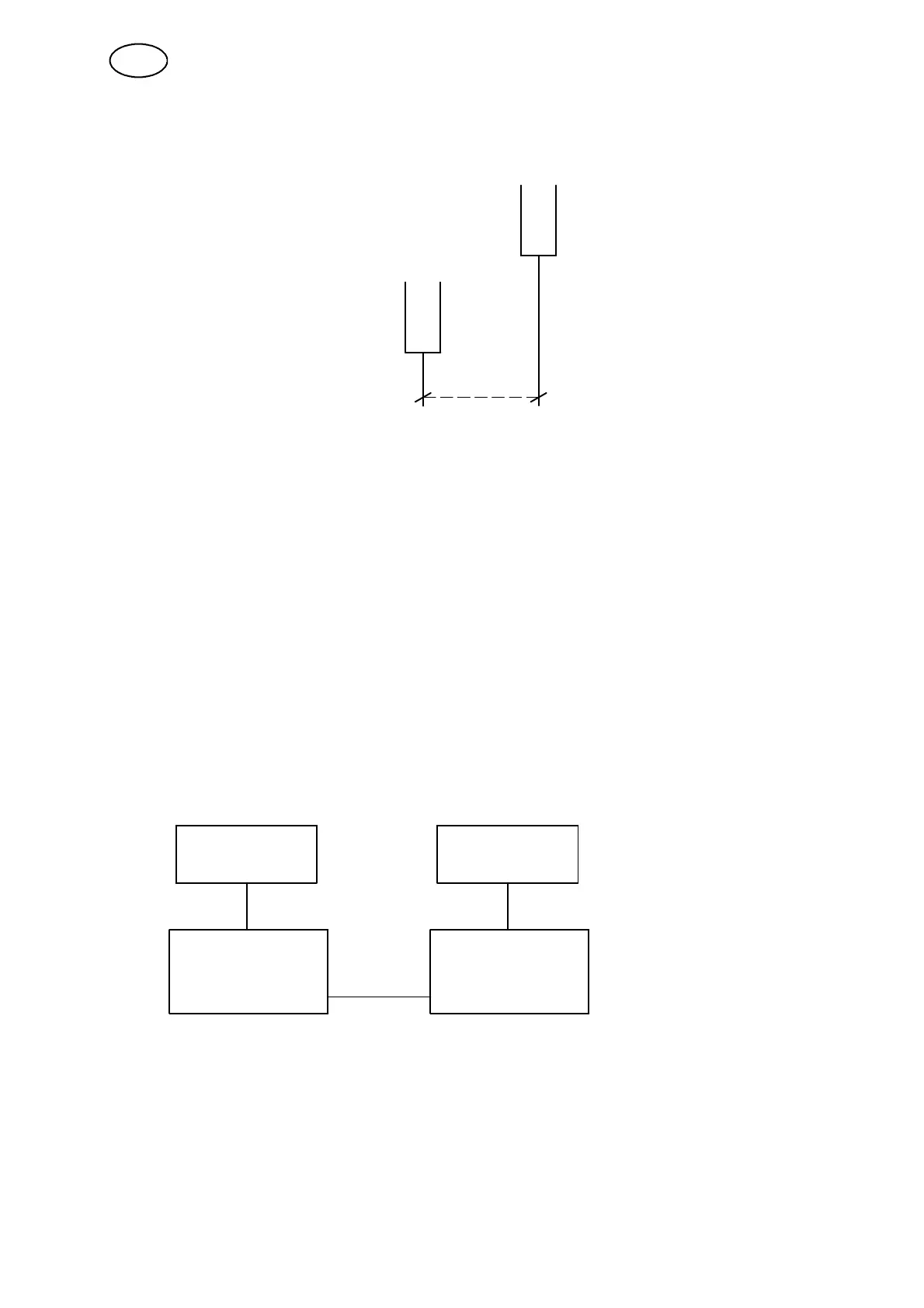
Examp le 1
System1
(PEH1 and Welding power source no. 1)
System2
(PEH2 and Welding power source no.2)
Weldhead offset
S Press start for both PEH1 and PEH2 at the same time.
S System1 starts welding.
System2 doesn’t start welding until it has reached the starting point for System1
(the distance is set in “Weldhead offset”).
S Press stop for both PEH1 and PEH2 at the same time.
S System1 stops welding while the travel motion continues.
System2 stops welding when it has reached the point where System1 stopped
welding (the distance is set in “Weldhead offset”).
S The weld is finished.
Examp le 2
When using a remote control box (RCC) the two systems must be connected to each
other (see manual A2- A6 Process Cont rol System article no. 0458 081 074).
System 1 System 2
busbus
DIG I/O 1 DIG I/O 2
D7 C2
When using an RCC one can when necessary use only Welding power source 2.
S Set “Weldhead offset” to 0 in the menu for PEH2.
S Press start for Welding power source 2 on the RCC.
System1 starts to move and System2 starts to weld
S Press stop for Welding power source 2 on the RCC to finish.
GB



 To Next Page