Function 2: CO lines IVX 20
E.2
2. Outbound CO line groups
CO lines can be grouped for outbound, pooled access into one of three line groups: 9, 8, or 7.
Note: A line can only be in one line group or designated as a private line.
Outgoing lines (selected by initially dialing 9 — or 8 or 7, depending on setup) will be assigned in
order from the highest numbered CO line to the lowest available in the line group. If a CO line is not
assigned to a line group or designated as a private line, it will be an inbound line only (press HOLD
to delete the line group number).
Default: All CO lines in Group 9.
Private line
You can designate a line as a private line by entering an extension number, instead of a line group
number, in this step. The line is then programmed as outlined in the following explanation, giving
the private line great flexibility for handling call routing.
Note: A private line can be assigned only to a Digital Feature Phone. A line key must be pro-
grammed on the phone (and cannot be programmed on any other phone) to access the line
for outgoing calls.
3. Answer ring assignment
Lines can be directed to be answered at up to 10 extensions, a department, a mailbox or the auto
attendant main greeting (see “Auto attendant programming,” pages G.1–G.3). The destination can
be set to add or drop extensions, departments, MBs or IDs if ringing continues due to no answer.
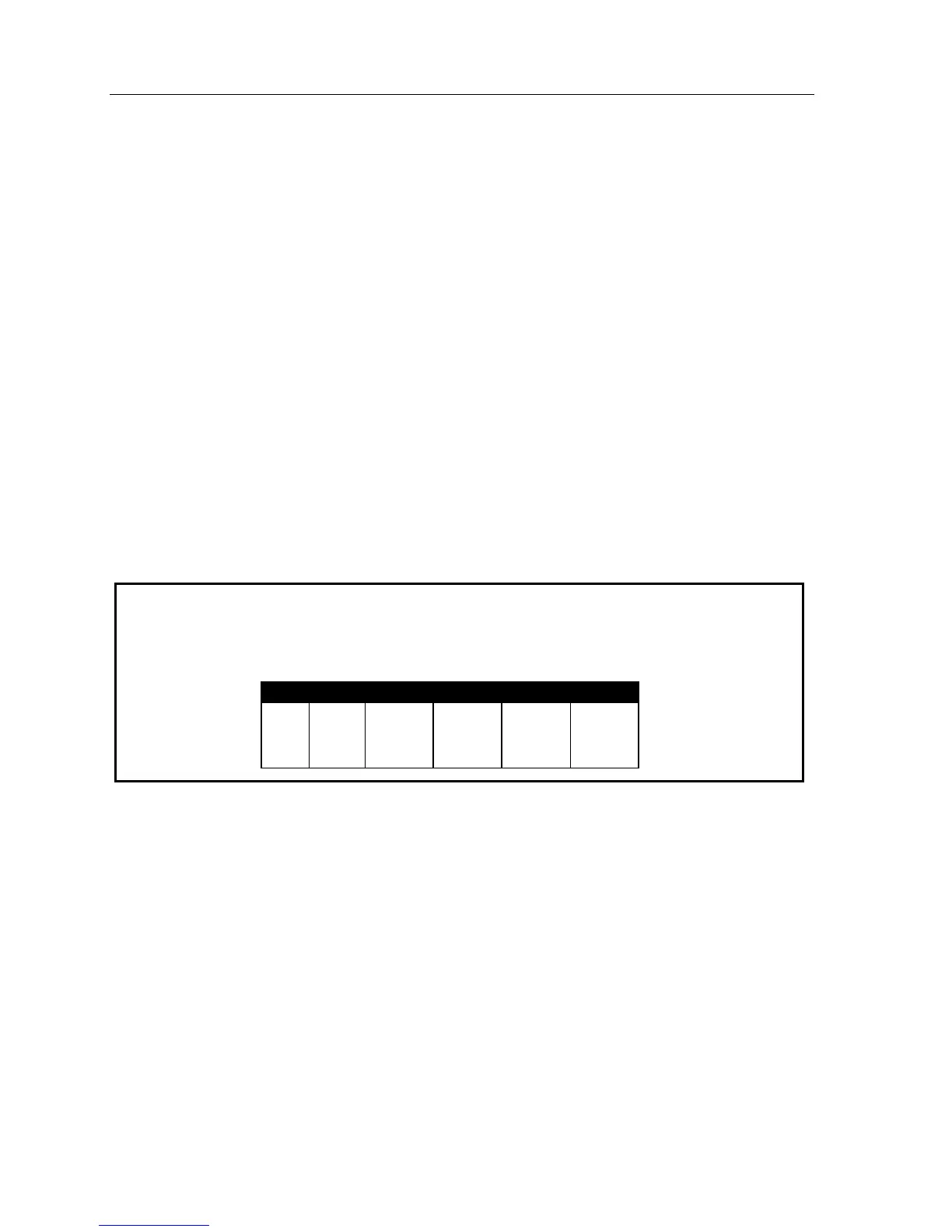
Example: First ring — Line 1 will ring at the operator's extension.
Third ring — Extensions 112 and 113 are added.
Fifth ring — The operator's station is dropped from ringing.
Ninth ring — The call will be answered by the auto attendant.
CO OUT Ring 1 Ring 3 Ring 5 Ring 9
1 9 100
100
112
113
112
113
ID1



 To Next Page