Function 4: Auto attendant programming IVX 20
G.2
Directory branch (ID 18)
Branch 18 (selection 8 in the main greeting) is the directory branch which allows the caller to be
connected to an employee by selecting his or her name from a list played. The caller selects the
person he wishes to reach from the playback of all recorded names.
Note: A caller who makes no selection will be transferred to the operator (Extension 100).
Important: No programming is necessary to create the directory branch. The Directory branch is
enabled when at least one name has been recorded in Function 62.
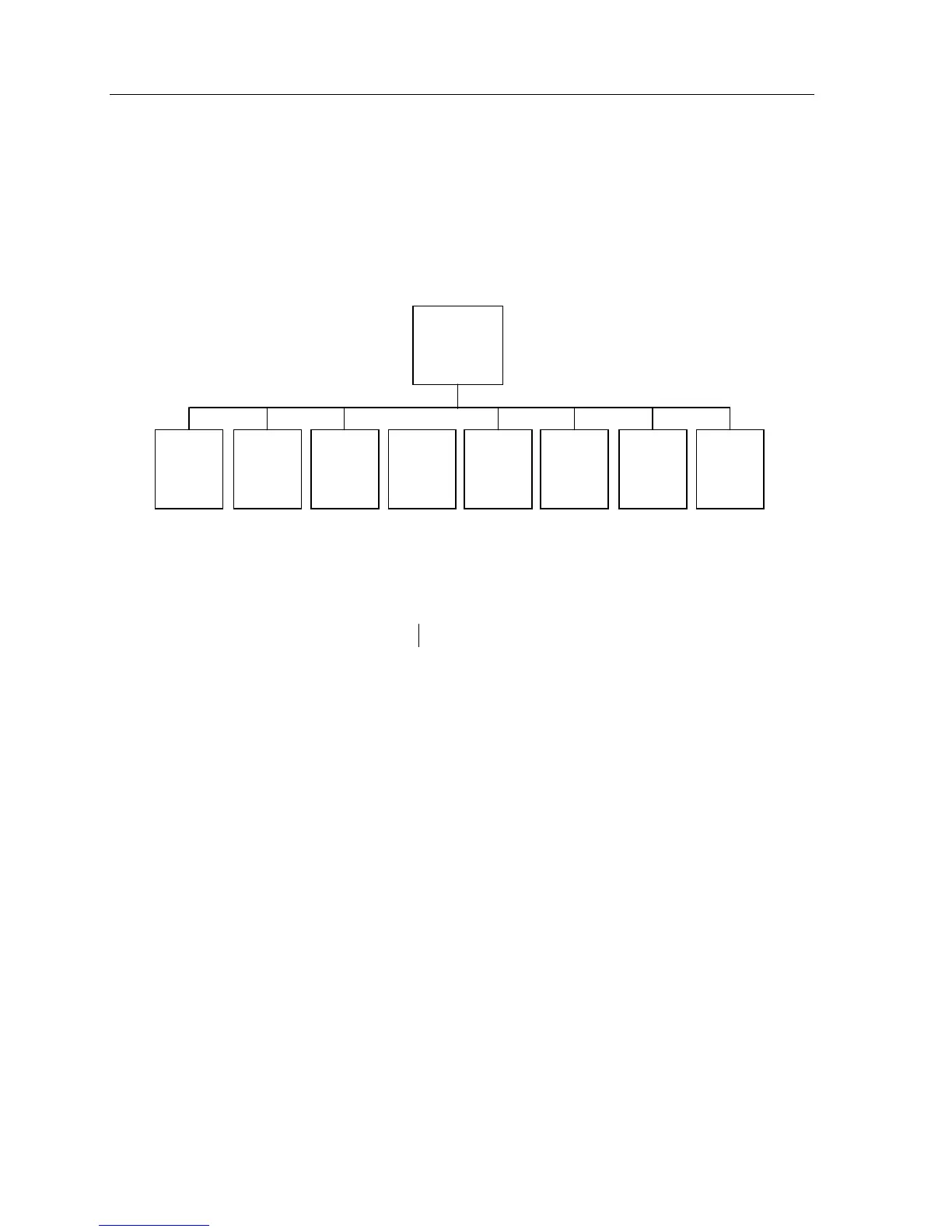
IVX 20 auto attendant branch structure.
Here is the sequence for programming the IVX 20 auto attendant:
(1.) Branch ID; (2.) name; and (3.) destination.
1.
Branch ID
— Enter the ID number, 11–17, of the branch you wish to program.
2.
Name
— Input a name to help identify the branch for later programming changes and is also
the source for display information at user’s phones and reports.
3.
Destination — Input a destination:
• 100–113 for an extension
• 290–299 for a department (which must have already been created in Function 2)
• 300–309 for a guest mailbox
Additional notes
•
Automatic disconnect
— If 9999 is programmed as a destination, the call will be automatically
disconnected.
• Deleting a branch — To delete a previously created branch, input the branch ID, press HOLD, and
confirm by pressing a scroll (▼ or ▲) key and #.
ID1
Main
Greeting
ID11
GoTo
ID12
GoTo
ID13
GoTo
ID14
GoTo
ID15
GoTo
ID16
GoTo
ID17
GoTo
ID18
Directory



 To Next Page