IVX 20 Function 3: Extension programming
F.7
Example:
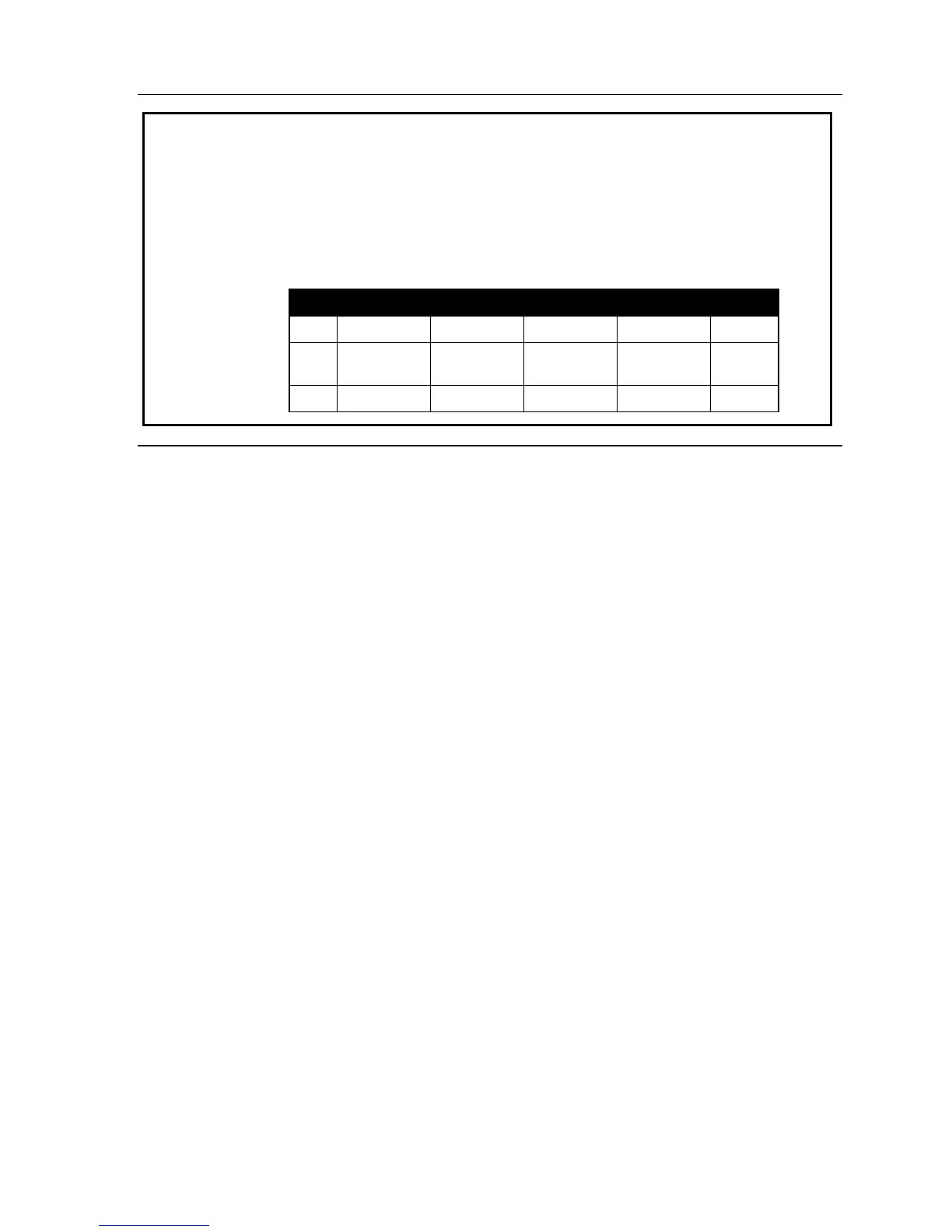
Here is a portion of a completed Programming Worksheet (Appendix II) for
Department programming. Department 290 was created to have calls directed
to it to first ring 104, then, if busy/no answer, 111, and then 112.
If all are busy or do not answer, the call will forward to the operator if day
mode or if during Night Mode to guest mailbox 300 (for pick up in the morn-
ing). Department 291 rotate the calls between the two extensions listed. If
both busy/no answer, the call to go the service manager (X105), or in night
mode to Guest Mailbox 301 (which has been set to page the tech on-call).
1. 2. 3. 4. 5. 6.
Ext. Name Type CF day CF night List:
290
SALES IN ORDER 0 300 104,
111, 112
291
SERVICE UCD 105 301 101, 102
Function 35: Extension button mapping
The programmable feature keys’ initial default is the first 6 keys are CO lines and the remaining
keys X100 to X109.
Important: Future, system-wide changes made here by the Installer will overwrite any station user
programming.
When prompted, press the desired programmable feature key location, then enter the appropriate
digits on the dialpad and confirm by again pressing the same programmable feature key.
To determine how a programmable feature key is currently programmed, press the key, note how it
is programmed, and press the key again.
The keys can be programmed as follows:
CO line key
If the dialed digits are 1–6, the key will serve as a CO line key.
Note: Removing the line key appearances will set the station(s) to operate as a PBX with line ac-
cess by dialing 9 (or 8 or 7).
Note: If a private line has been established in CO line programming (Function 21; see page E.1),
that CO line key must appear on that station’s phone to allow outbound access to the line.
Station key
If the dialed digits are a three-digit extension number (or department, guest mailbox, etc.), the key
will become a station key providing direct access and the appropriate lamp information (See “Sys-
tem fixed numbering plan,” page C.3).
Speed dial key
If one enters 9 (or 8 or 7) plus a phone number, the key will become a speed dial key for outside
calls.



 To Next Page