IP Camera (C5900) User Manual
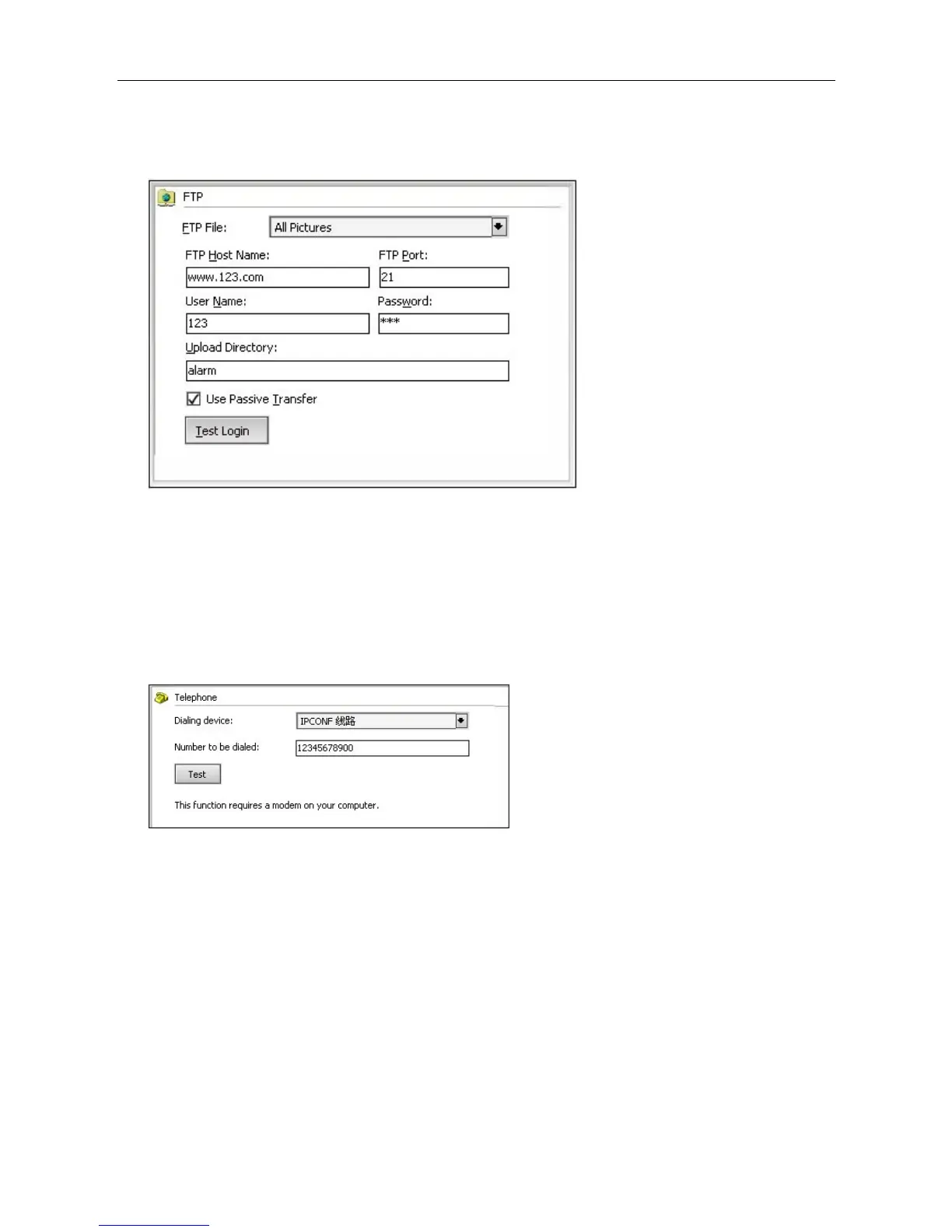
Password: FTP log in password;
Save path: path for saving uploaded files, the program will build a folder named after the alarming
time, the pictures and videos will be saved there.
Dialing: When alarming, the program will dial the appointed telephone, mobile phone automatically
through the PC modem. This service requires the PC having a modem connected with, which has
dialing function and the modem must connect to the telephone line.
Dialing device: choose the modem in the list which can support dialing.
Dialing number: the number which will be dialed when alarming.
Test: Click test to make a mimic dialing to check this setting.
SMS modem: on alarming, the program will send SMS to the appointed phone through the SMS
modem. This service requires the PC connecting with SMS modem.
SMS modem port: Consult the service operator to get the right port.
Receiving phone number (destination number): the cell number which will get the SMS while alarming
SMS interval above (minute): To set the interval will prevent keeping sending message while
alarming.
Test: Click test to try this service, the program will send a SMS to the appointed phone.



 To Next Page