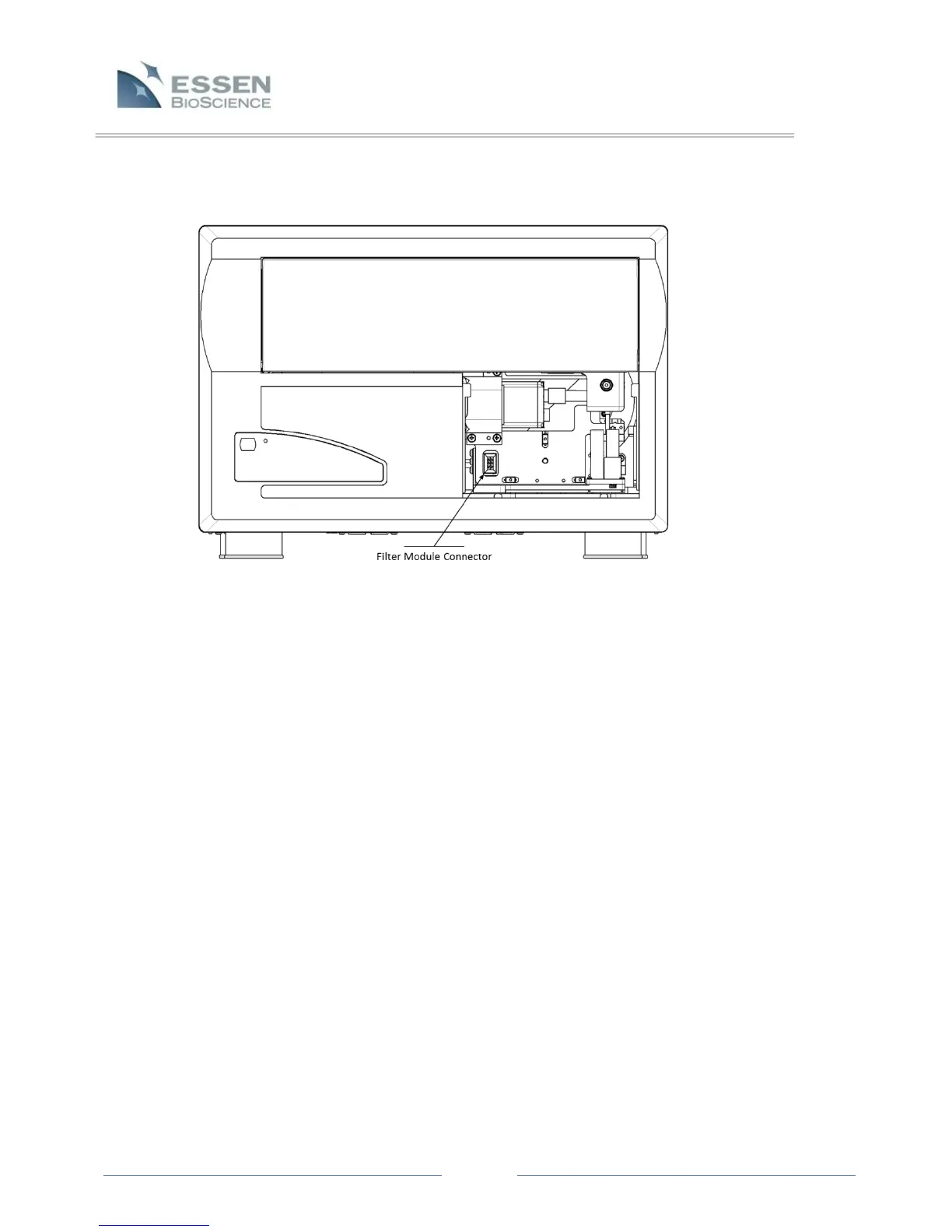
Figure 6. Microscope with shipping pin removed
3.3 Installing the Filter Module
There are currently two types of filter modules available for your IncuCyte™ ZOOM, one is for
systems that collect phase images only (no fluorescence) and the other allows collection of dual
wavelength fluorescence. One of these modules will have been shipped in the accessories box
with your ZOOM.
With the filter module access cover removed, pull out the drawer about halfway in order to get
better access. Remove the plastic cover from the filter module mount screw hole and place the
module into the microscope. Press the module into place such that the connector on the module
engages the connector in the microscope. The module can then be secured in place using the
2.5mm T handle hex (Allen) wrench supplied. Replace the plastic cover in the module mount
screw hole. See the diagram below ( Figure 7).



 To Next Page