9.1 Images and What they Mean
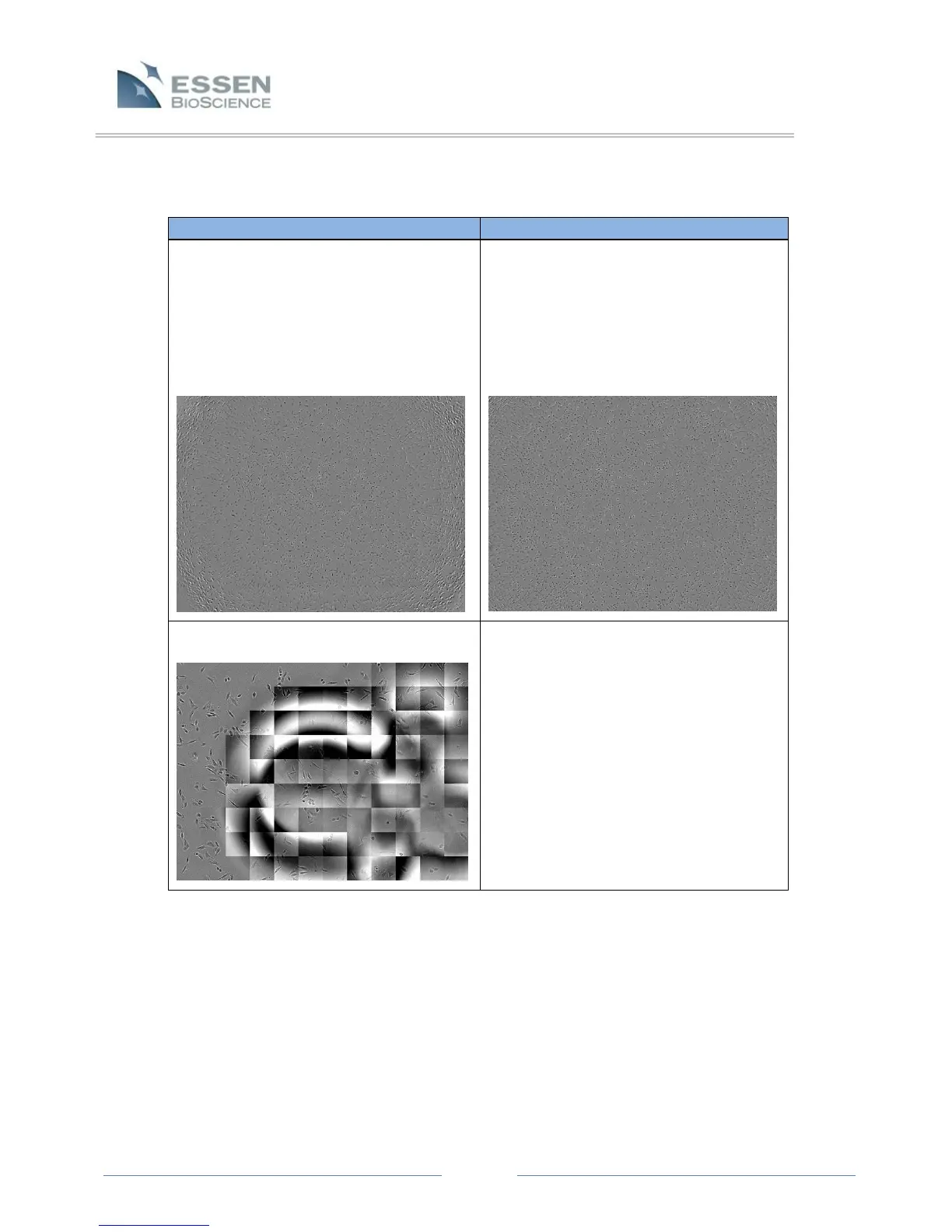
The edges of the wells seem to be out of
focus at the 4X objective.
Visual edge effects can be eliminated by
increasing the total media volume in
each well. However, this will not
dramatically change the proliferation
data. Sufficient proliferation data can
still be generated with only 100 µL in
each well.
Focus issues caused by air bubbles on the
bottom and top of the well.
Air bubbles must be manually removed
by the user to obtain desired images. Air
bubbles should be removed by modifying
pipetting technique or using a de-bubbler
before placing vessels in the IncuCyte™
ZOOM.



 To Next Page