9.2 Contacting Technical Support
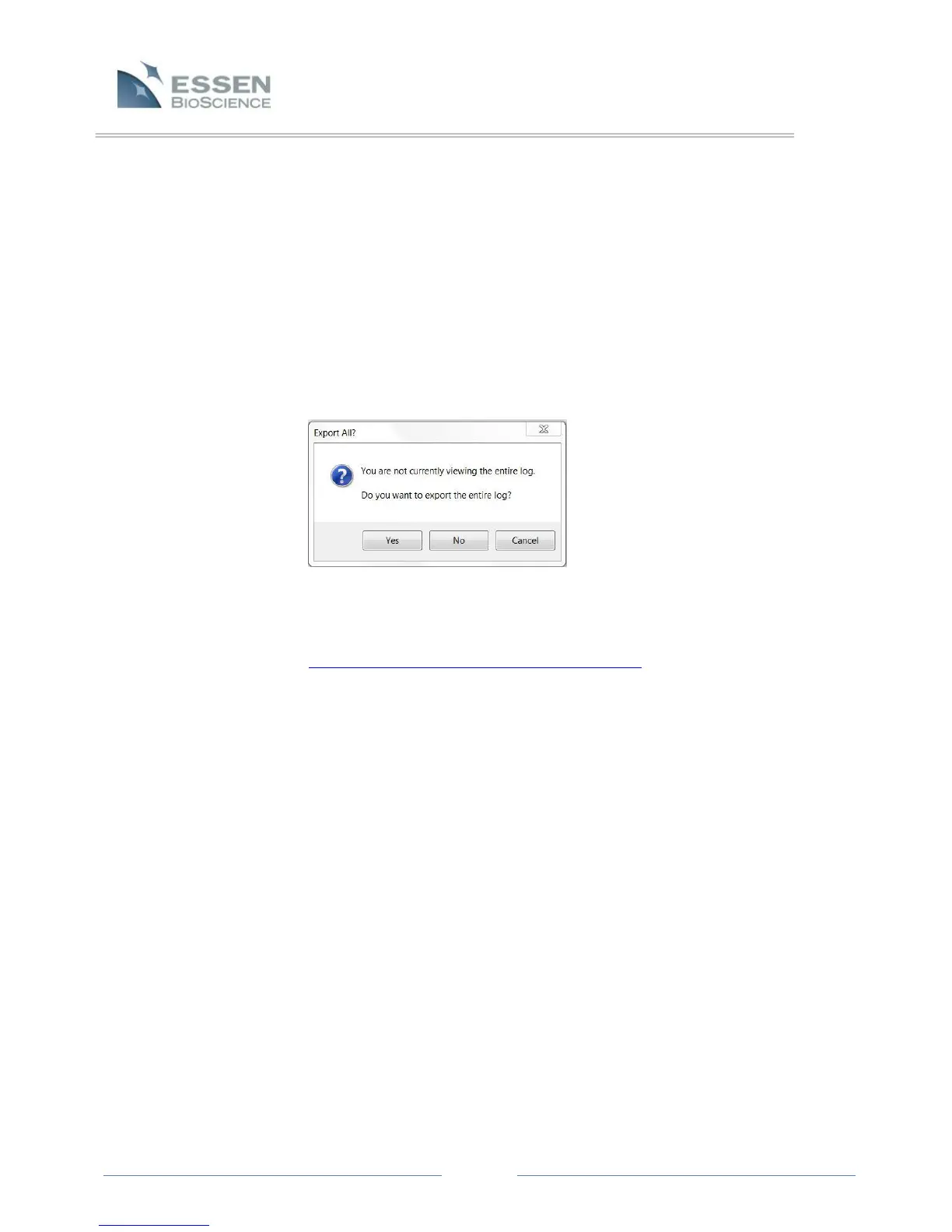
If you are experiencing technical difficulty with the IncuCyte or there is a “Device Error” in the
status bar, follow the instructions below to export and email a log file to Essen BioScience
technical support (refer to Figure 31).
1. Log into the IncuCyte software GUI with an account that has administrator permissions.
2. Click on “Administer IncuCyte” button on the left hand side of the software.
3. Click on the “Logs” tab on upper part of the screen.
4. Then click the “Export” button.
5. Click “Yes” to export the entire logs file.
6. Name the text file after you company or entity.
7. Email the text file along with a brief description of the issue to local support. Local support
can be found at http://www.essenbioscience.com/support.html



 To Next Page